About Rubberduck Vscode
Rubberduck Vscode is an MCP server in the Developer Tools category: use AI-powered code edits, explanations, code generation, error diagnosis, and chat in Visual Studio Code with the official OpenAI API.
Install
git clone https://github.com/rubberduck-ai/rubberduck-vscodeThis server has no ConduID identity, so agent calls to it are not receipted. Pin the version you install and review the source before granting it credentials.
Ask AI
Ask AI about Rubberduck Vscode
Powered by Claude · Grounded in docs
Security checks
- ✓README presentThe repository ships documentation.
5 checks have not been run yet.
README
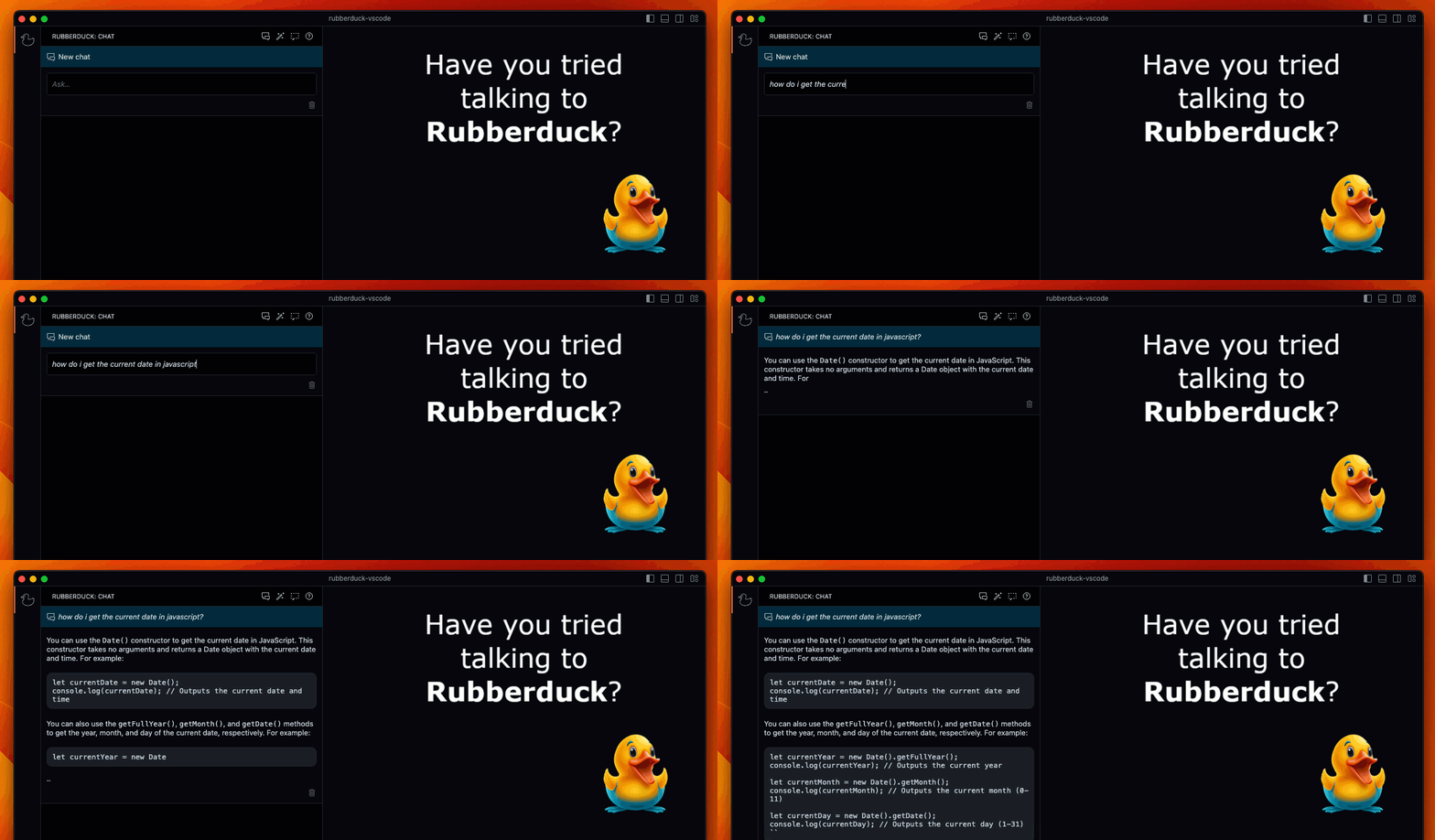
Rubberduck: ChatGPT for Visual Studio Code
AI chat in the Visual Studio Code side bar. Rubberduck can generate code, edit code, explain code, generate tests, find bugs, diagnose errors, and more. You can even add your own conversation templates.




Quick Install
You can install Rubberduck from the
Rubberduck requires an OpenAI API key. You can get an OpenAI API key from platform.openai.com/account/api-keys (you'll need to sign up for an account).
Features
AI Chat | Generate Code | Edit Code | Explain Code | Generate Tests | Find Bugs | Diagnose Errors | Custom Conversations
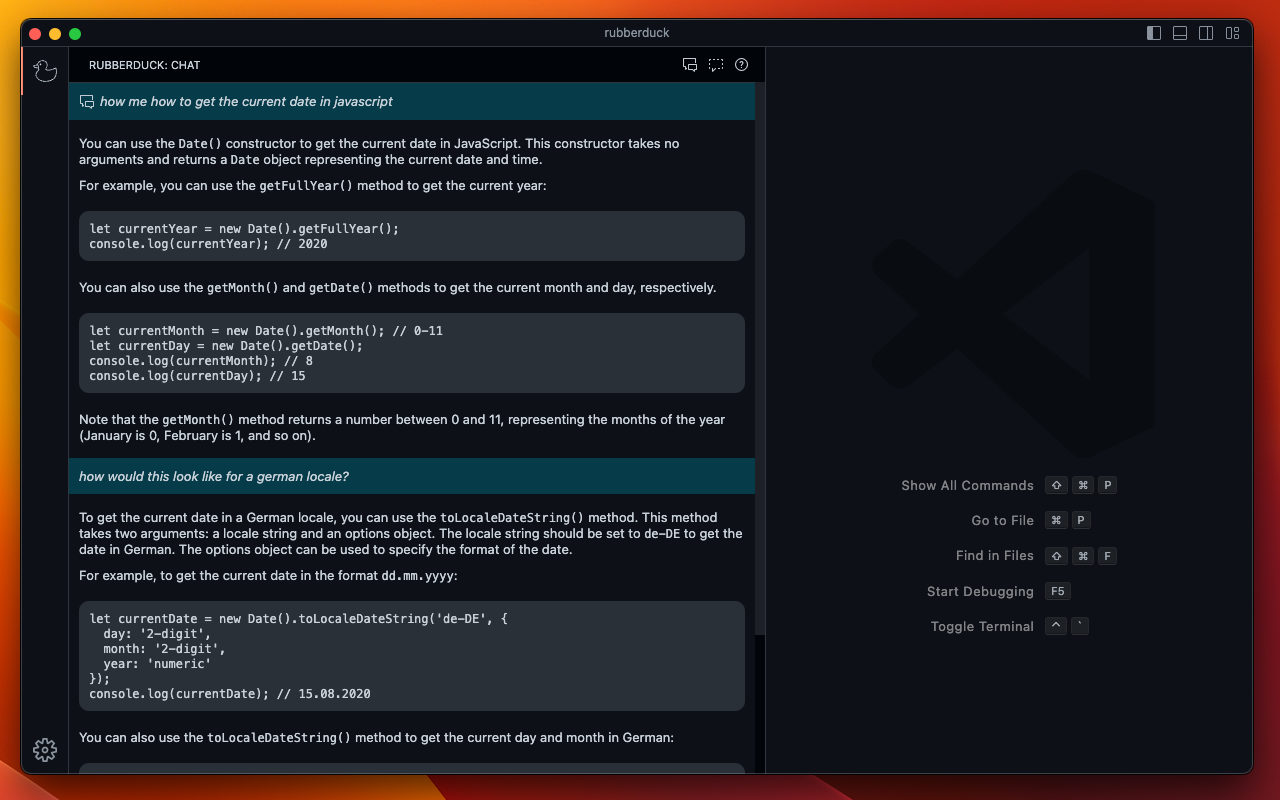
AI Chat
Chat with Rubberduck about your code and software development topics. Rubberduck knows the editor selection at the time of conversation start.
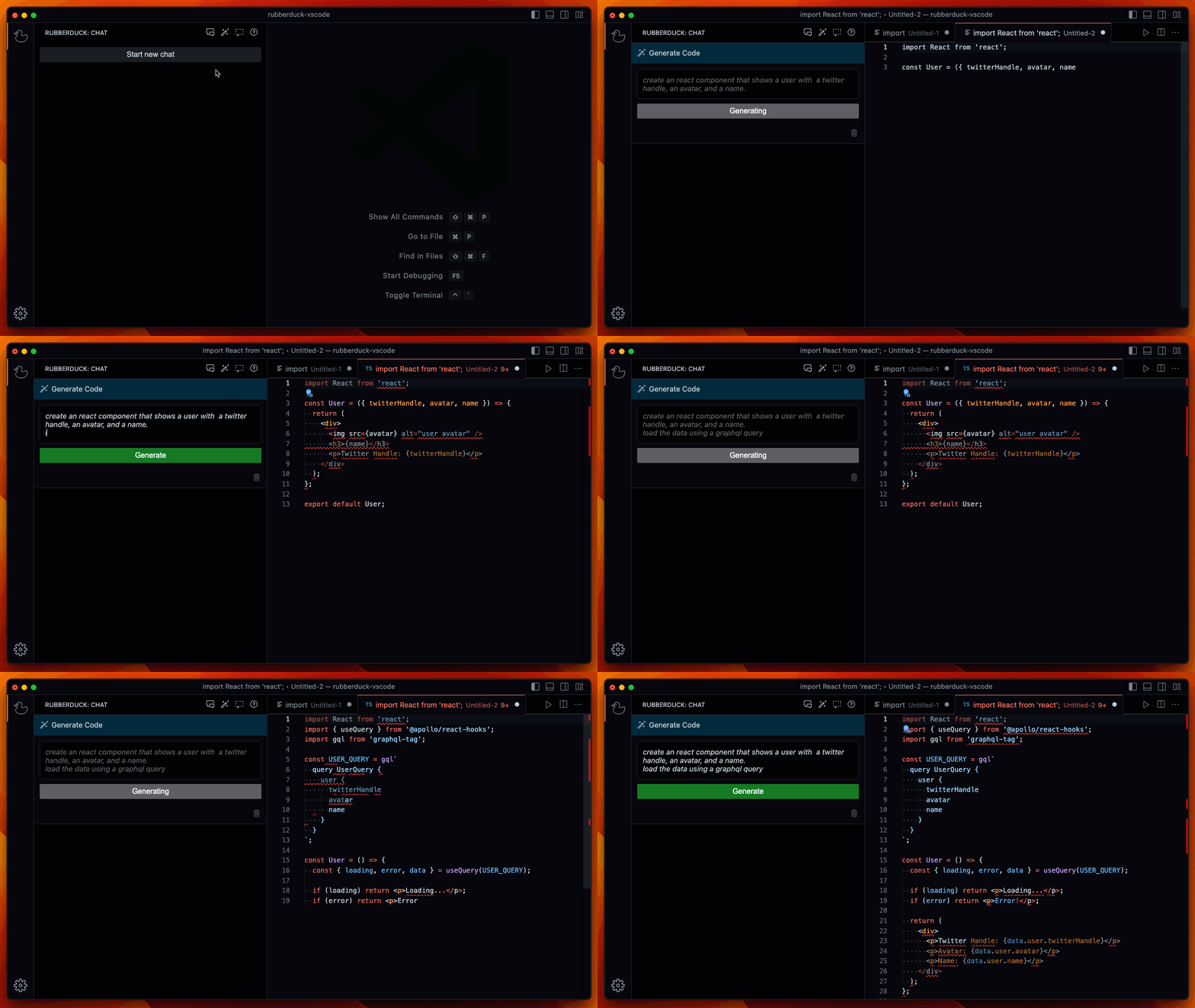
Generate Code
Instruct Rubberduck to generate code for you.
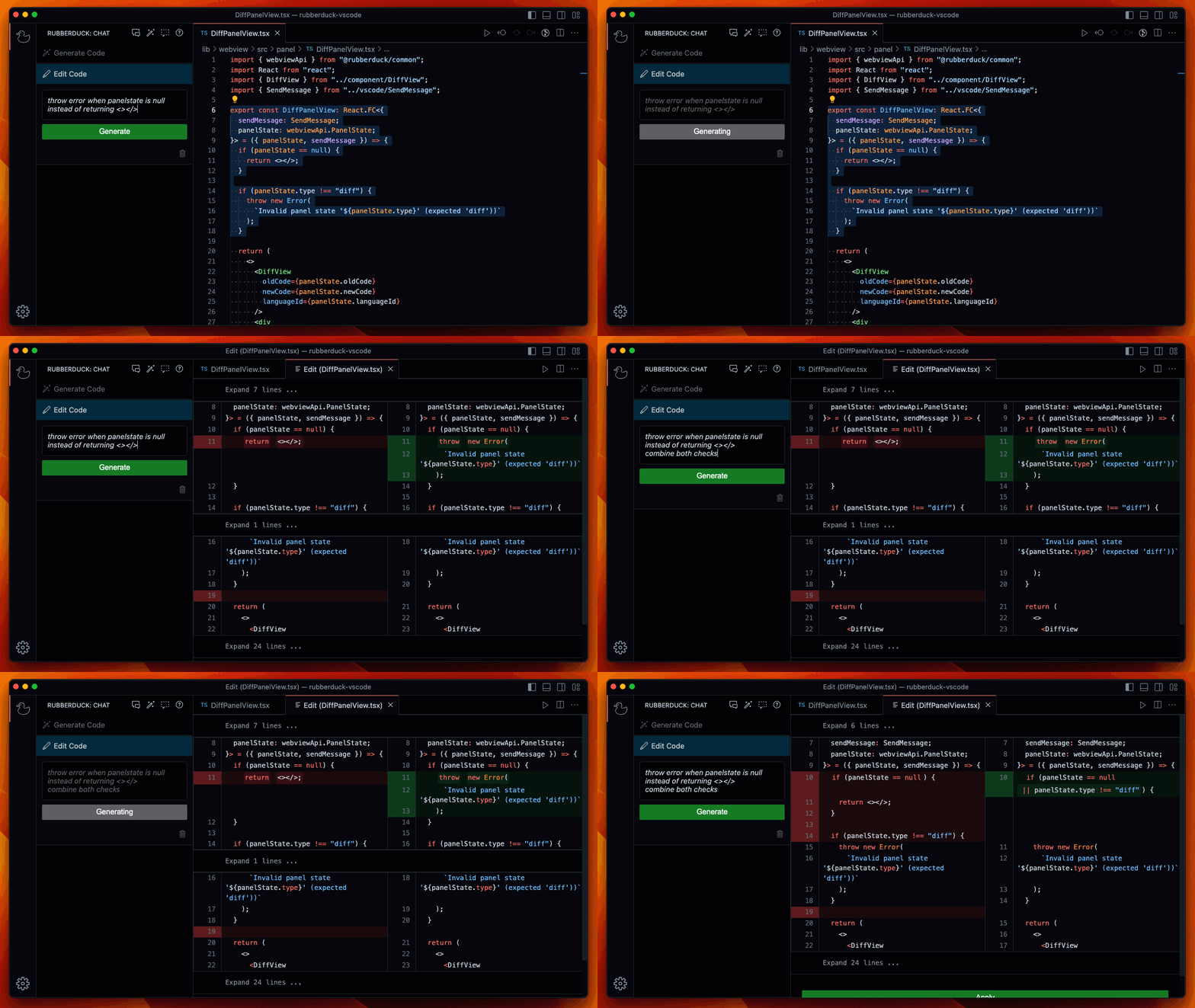
Edit Code
Change the selected code by instructing Rubberduck to create an edit.
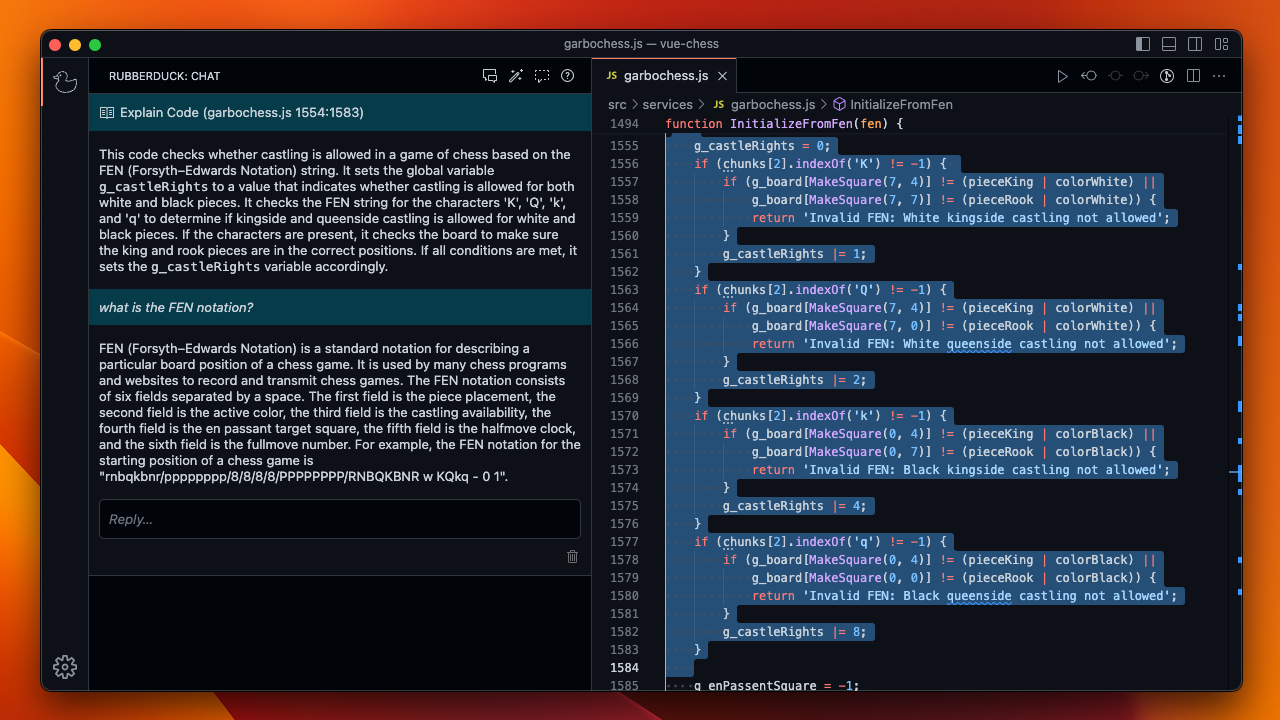
Explain Code
Ask Rubberduck to explain the selected code.
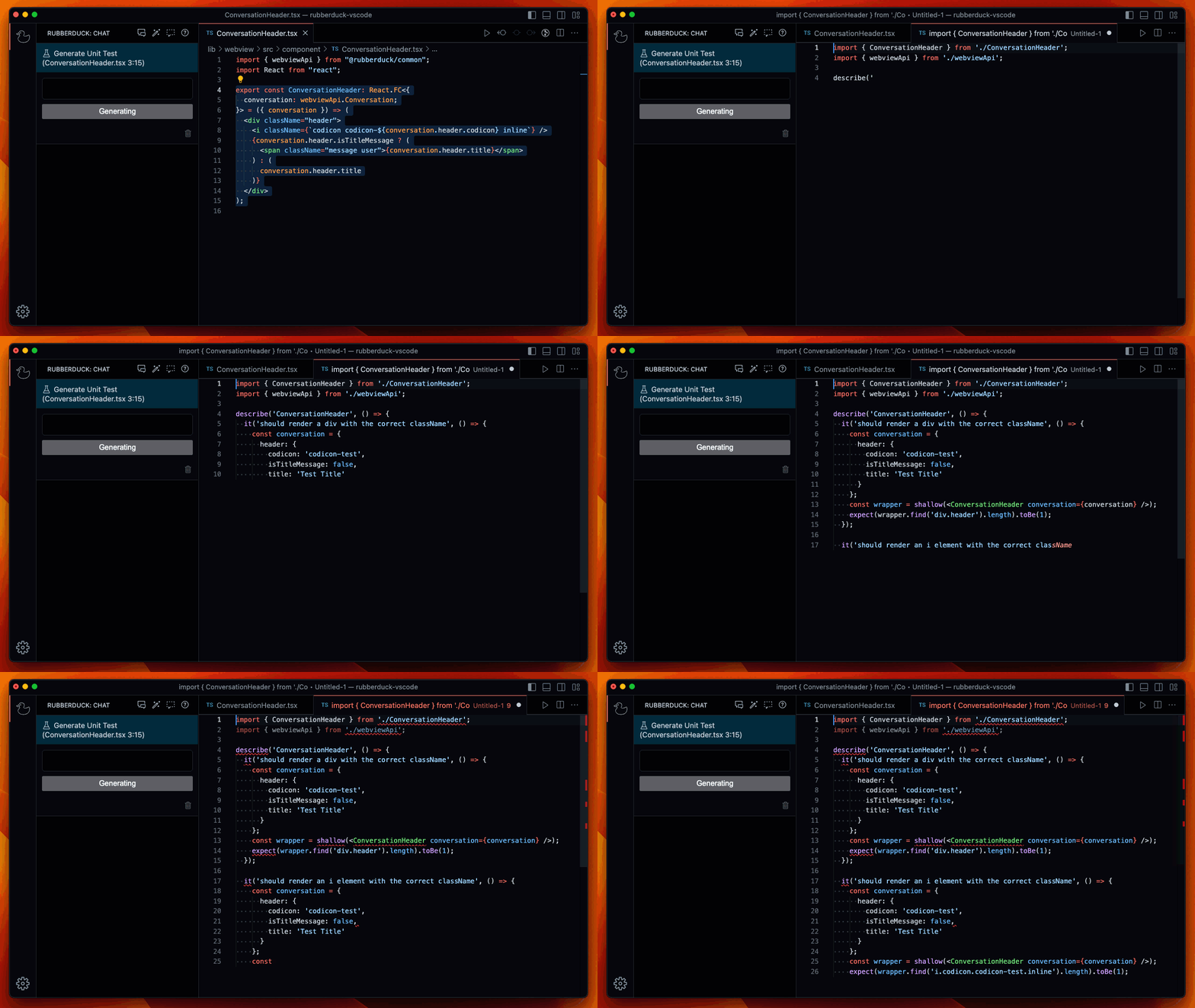
Generate Tests
Generate test cases for the selected code.
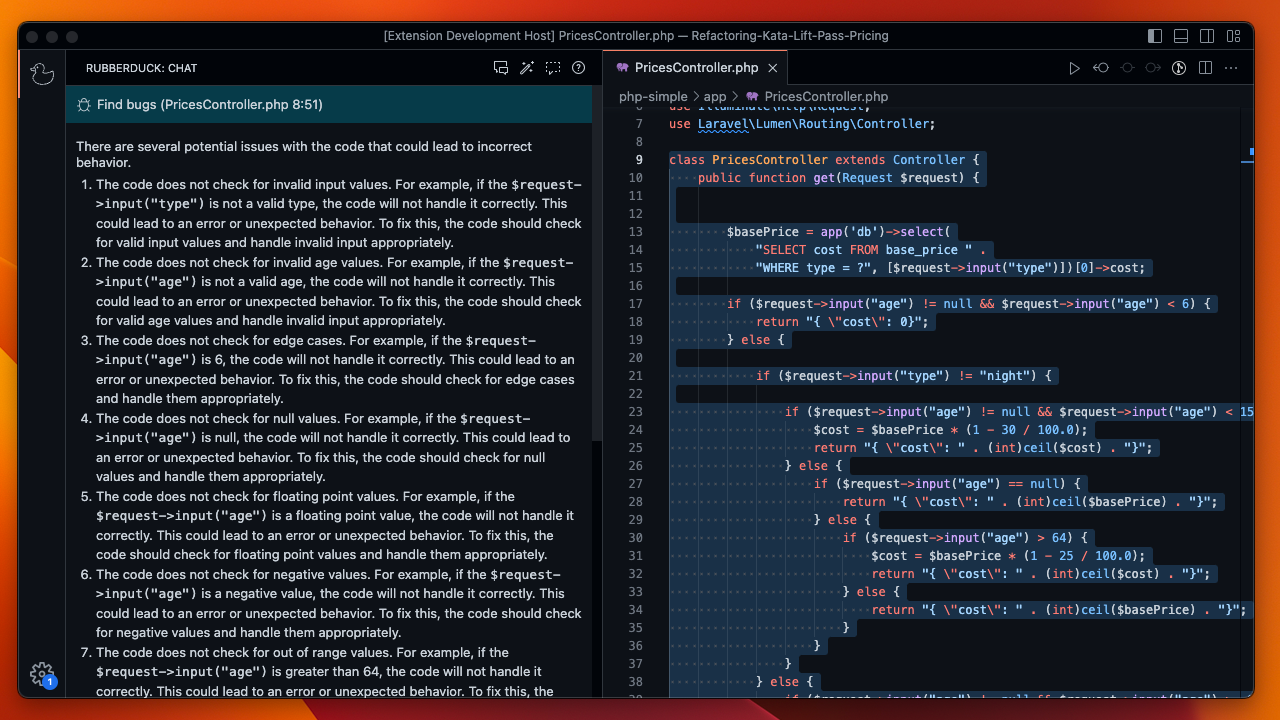
Find Bugs
Find potential defects in your code.
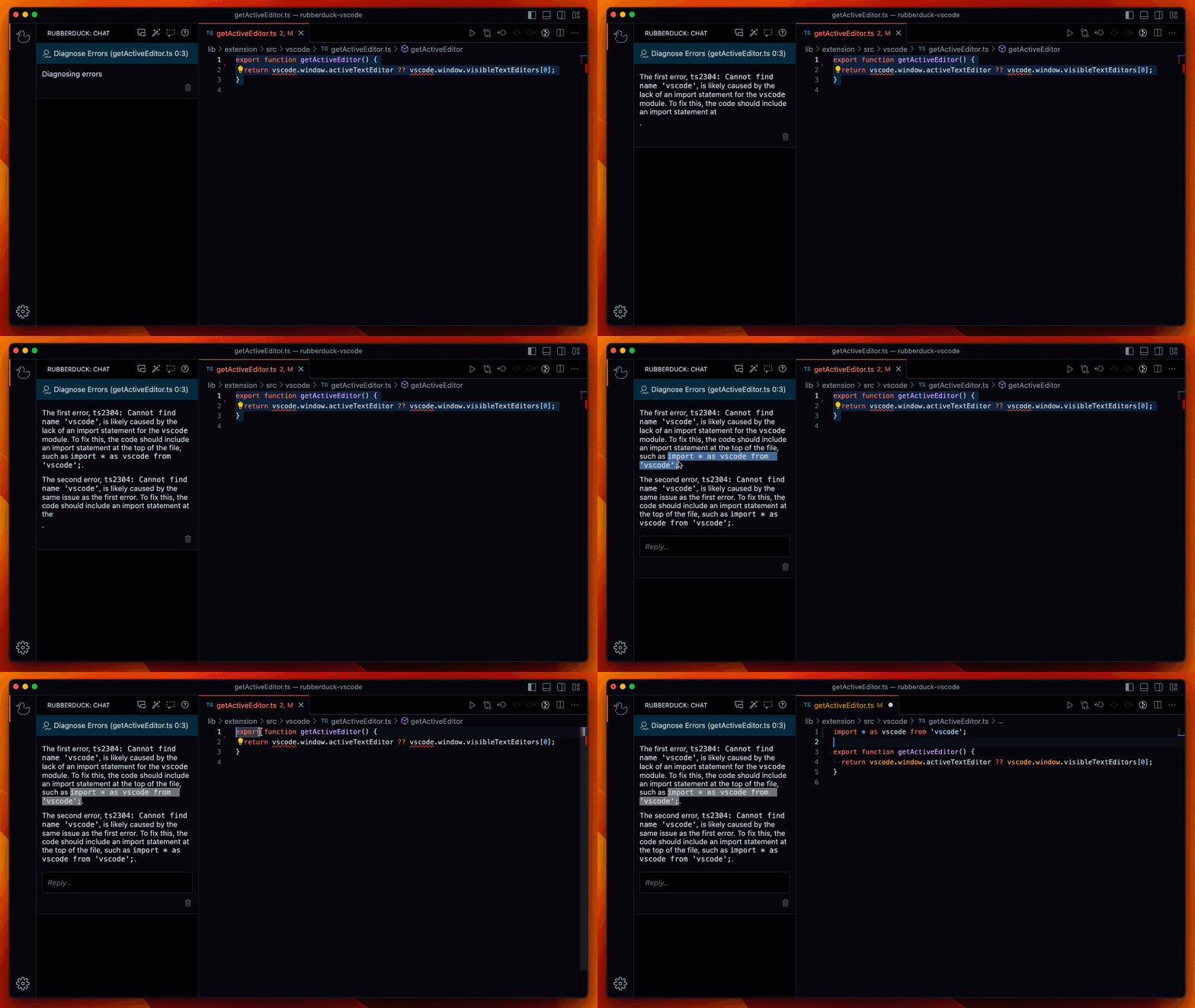
Diagnose Errors
Let Rubberduck identify error causes and suggest fixes to fix compiler and linter errors faster.
Custom Conversations
You can define your own conversation templates. See the Rubberduck Template docs for more information.
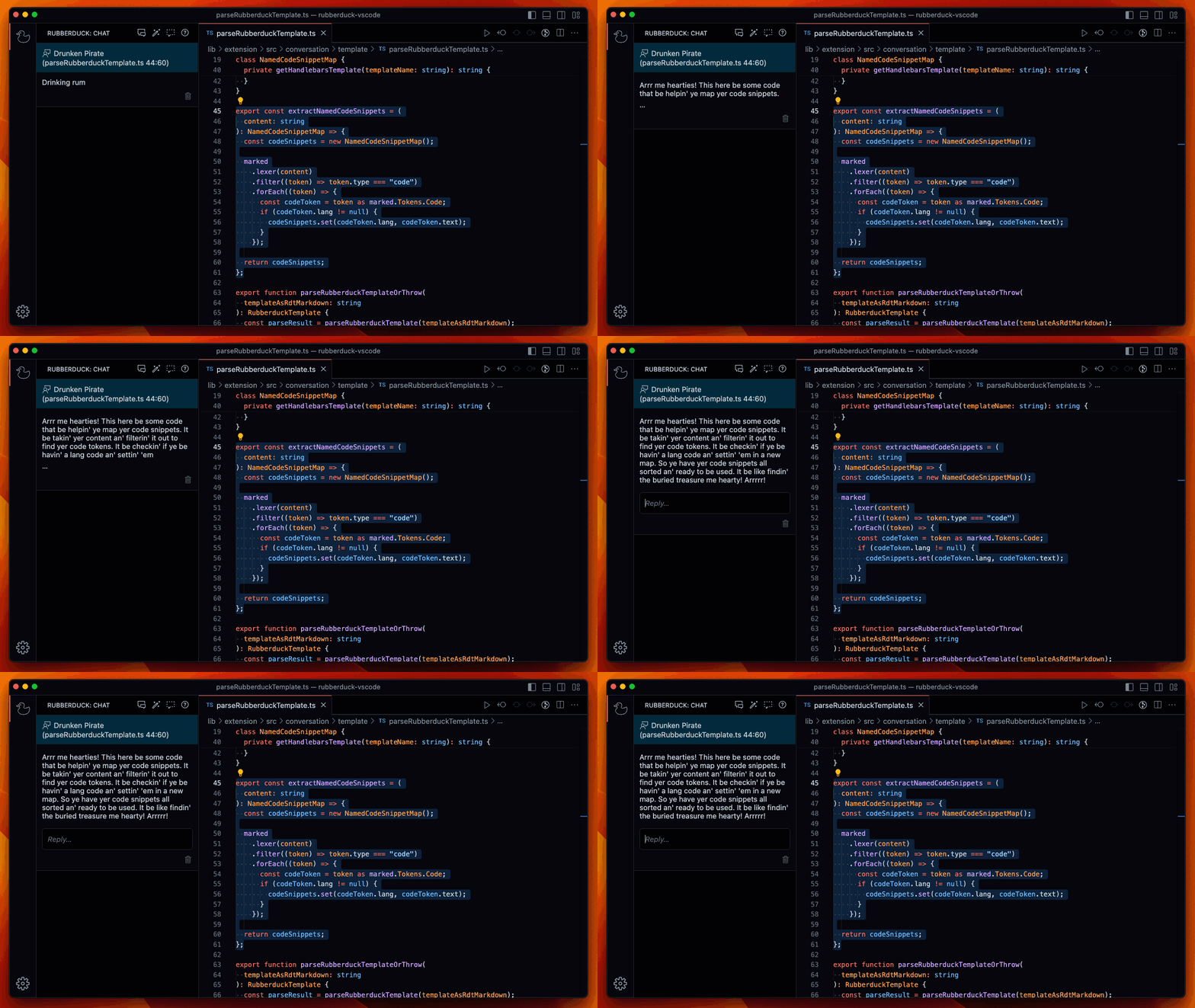
Here is an example of a drunken pirate describing your code:
Configuration Options
- rubberduck.syntaxHighlighting.useVisualStudioCodeColors: Use the Visual Studio Code Theme colors for syntax highlighting in the diff viewer. Might not work with all themes. Default is
false.
Built With
- ModelFusion - AI library
- Prism.js - Syntax highlighting
- React - UI rendering
Contributors
Running it locally & Contributing
Contributing Guide
Read our contributing guide to learn about our development process, how to propose bugfixes and improvements, and how to build and test your changes.
Good First Issues
To help you get your feet wet and become familiar with our contribution process, we have a list of good first issues that contains things with a relatively limited scope. This is a great place to get started!
README copy captured when this server was indexed; it may lag the repository. The original is authoritative.