About EVM Wallet Signer
EVM Wallet Signer is an MCP server published by nikicat in the Blockchain category: route EVM transactions to browser wallets (MetaMask, etc.) for signing via EIP-6963.
The repository has 2 stars and 2 forks, with the last commit yesterday. Recent commit activity is the strongest signal that reported issues will get attention.
Install
claude mcp add evm-wallet-signer -- npx -y mcp-wallet-signernpx -y mcp-wallet-signerThis server has no ConduID identity, so agent calls to it are not receipted. Pin the version you install and review the source before granting it credentials.
Tools (6)
connect_walletConnect wallet, return address
Parameters not published.
get_balanceRead ETH balance (via RPC)
Parameters not published.
get_token_balanceRead ERC-20 balance (`balanceOf`/`decimals`/`symbol`)
Parameters not published.
send_transactionSend ETH/tokens, call contracts
Parameters not published.
sign_messageSign arbitrary message (personal_sign)
Parameters not published.
sign_typed_dataSign EIP-712 typed data
Parameters not published.
Ask AI
Ask AI about EVM Wallet Signer
Powered by Claude · Grounded in docs
Security checks
- ✓README presentThe repository ships documentation.
5 checks have not been run yet.
README
MCP Wallet Signer


Your private keys never leave your browser. Every transaction requires explicit user approval in your wallet.
Most blockchain MCPs require you to paste a private key into a config file — giving the AI agent full, unsupervised access to your funds. MCP Wallet Signer takes a different approach: it routes every transaction to your actual browser wallet (MetaMask, Rabby, etc.) via EIP-6963, so you review and approve each action just like any other dapp interaction. No keys in config files, no risk of silent transactions.
Compatible With
Works with any MCP-compatible client via stdio transport.
Installation
Claude Code CLI
claude mcp add evm-wallet -- npx -y mcp-wallet-signer
Claude Desktop
Add to your claude_desktop_config.json:
{
  "mcpServers": {
    "evm-wallet": {
      "command": "npx",
      "args": ["-y", "mcp-wallet-signer"]
    }
  }
}
Run directly
npx -y mcp-wallet-signer
pnpx mcp-wallet-signer
bunx mcp-wallet-signer
MCP Tools
| Tool | Description | Browser Required |
|---|---|---|
connect_wallet |
Connect wallet, return address | Yes |
send_transaction |
Send ETH/tokens, call contracts | Yes |
sign_message |
Sign arbitrary message (personal_sign) | Yes |
sign_typed_data |
Sign EIP-712 typed data | Yes |
get_balance |
Read ETH balance (via RPC) | No |
How It Works
- Agent calls an MCP tool (e.g.,
send_transaction) - Server opens browser to a local signing page
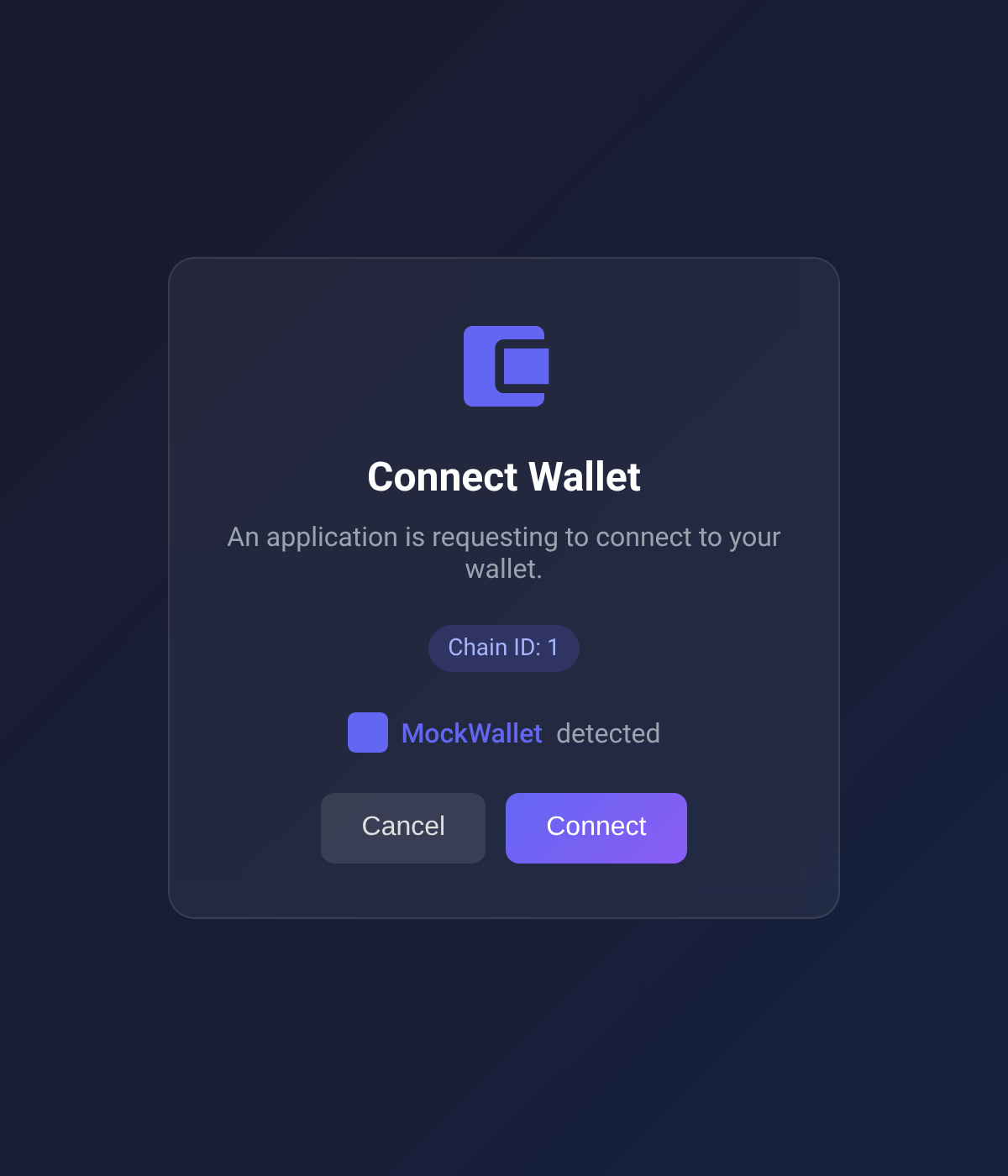
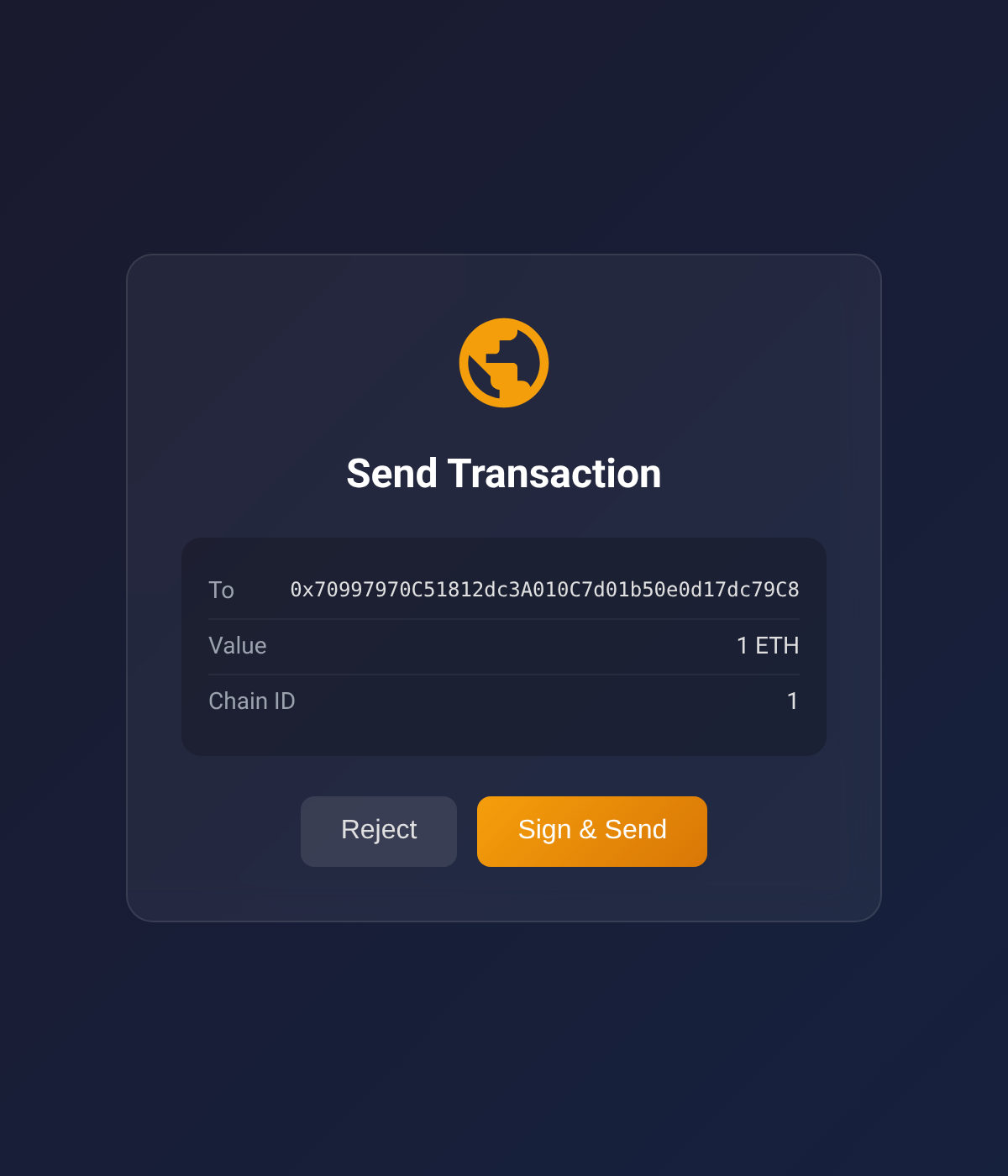
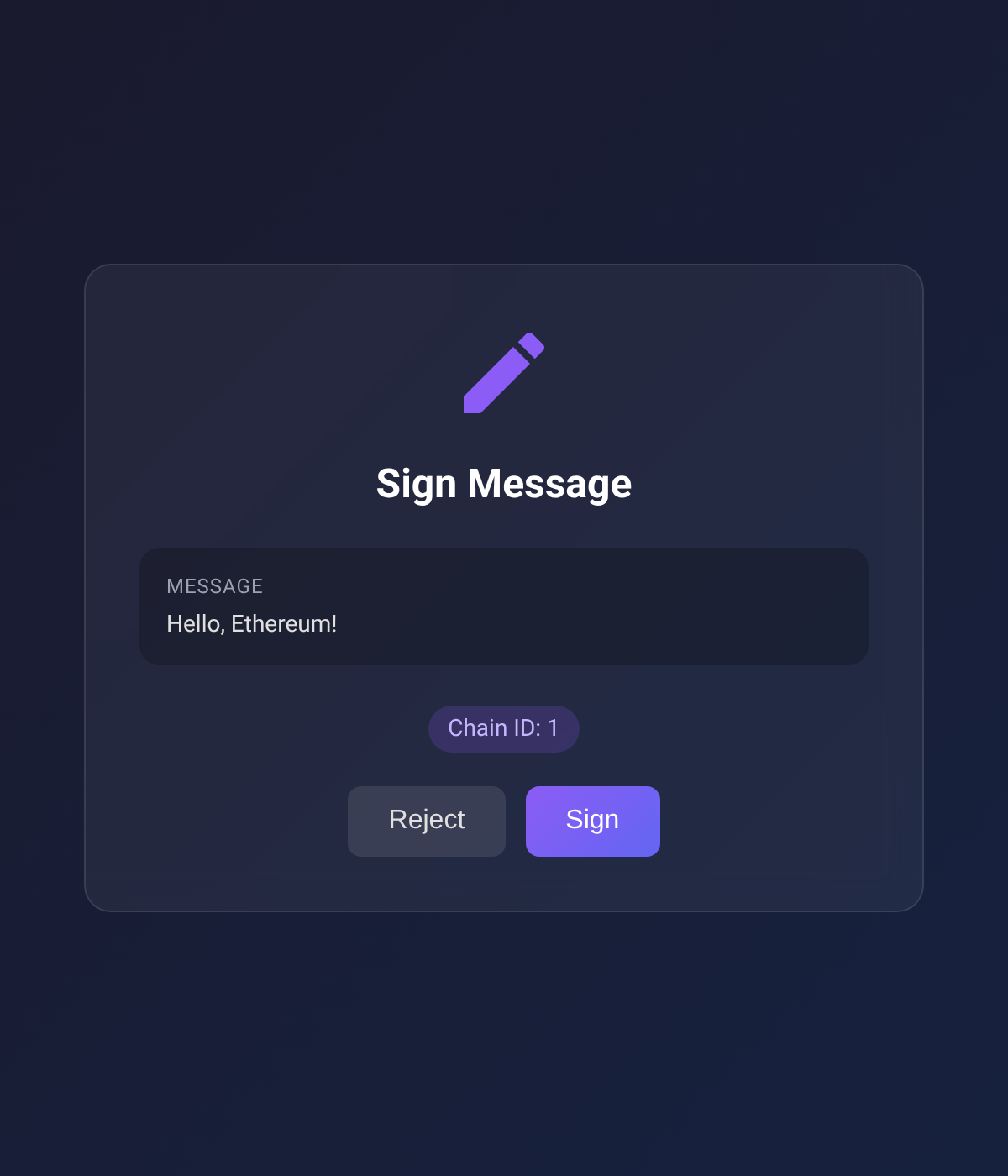
- User connects wallet and approves the action
- Result (address, tx hash, signature) returned to agent
| Connect Wallet | Send Transaction | Sign Message |
|---|---|---|
 |
 |
 |
Supported Chains
Built-in RPC URLs for:
- Ethereum (1)
- Sepolia (11155111)
- Polygon (137)
- Arbitrum One (42161)
- Optimism (10)
- Base (8453)
- Avalanche (43114)
- BNB Smart Chain (56)
Configuration
Environment variables (optional):
| Variable | Description | Default |
|---|---|---|
EVM_MCP_PORT |
HTTP server port | 3847 |
EVM_MCP_DEFAULT_CHAIN |
Default chain ID | 1 |
Packages
This is a monorepo with two packages:
| Package | Description |
|---|---|
browser-evm-signer |
Standalone library — sign EVM transactions via browser wallet, no MCP dependency |
mcp-wallet-signer |
MCP server — exposes browser-evm-signer as MCP tools for AI agents |
Use browser-evm-signer directly if you want browser-based signing in your own Node.js/Deno app without MCP.
Development
Requires Deno v2.0+.
# Install all dependencies
deno task install:all

# Type check + lint + format check (both packages)
deno task check:all

# Run tests
deno task test:all

# Build both npm packages
deno task build:all

# Format code
deno task fmt
Project Structure
packages/
├── browser-evm-signer/     # Standalone signing library (npm: browser-evm-signer)
│   ├── src/                 # Library source
│   ├── web/                 # Svelte approval UI
│   ├── tests/               # Unit, e2e, and browser tests
│   └── scripts/build-npm.ts
│
└── mcp-wallet-signer/       # MCP server layer (npm: mcp-wallet-signer)
    ├── src/                  # MCP tool definitions + CLI entry
    └── scripts/build-npm.ts
Both packages are built with dnt and use node: builtins (no Deno-specific APIs) so the npm bundles run under Node.js.
License
MIT
README copy captured when this server was indexed; it may lag the repository. The original is authoritative.