About Gearboy
Gearboy is an MCP server published by drhelius in the Developer Tools category: game Boy / Game Boy Color / Super Game Boy emulator and debugger with embedded MCP server for macOS, Windows, Linux, BSD and RetroArch.
The repository has 1.2K stars and 168 forks, with the last commit yesterday. Recent commit activity is the strongest signal that reported issues will get attention.
Install
git clone https://github.com/drhelius/GearboyThis server has no ConduID identity, so agent calls to it are not receipted. Pin the version you install and review the source before granting it credentials.
Ask AI
Ask AI about Gearboy
Powered by Claude · Grounded in docs
Security checks
Static checks derived from the repository 10 hours ago. Heuristics on the source, not an audit.
- ✓README presentThe repository ships documentation.
- ✓License declaredUsable under a stated license.
- ✓Tests presentA test suite exists in the repository.
- !Dependencies pinnedNo lockfile. Installs can pull different code over time.
- !Scoped permissionsDoesn't declare a permission scope. Assume it can do anything its process can.
1 check has not been run yet.
Releases
README
Gearboy






Gearboy is an accurate, cross-platform Game Boy / Game Boy Color / Super Game Boy emulator written in C++ that runs on Windows, macOS, Linux, BSD and RetroArch, with an embedded MCP server for AI debugging and development.
This is an open source project with its ongoing development made possible thanks to the support by these awesome backers. If you find it useful, please consider sponsoring.
Don't hesitate to report bugs or ask for new features by opening an issue.
Downloads
Notes:
- Windows: May need Visual C++ Redistributable and OpenGL Compatibility Pack
- Homebrew: If Homebrew asks you to trust the third-party tap, run
brew trust --tap drhelius/geardome - Linux: May need
libsdl3
Features
- Supported cartridges: ROM, ROM + RAM, MBC1, MBC2, MBC3, MBC5, MBC6, MBC7, HuC-1, HuC-3, MMM01, Pocket Camera, TAMA5, MBC1M, Wisdom Tree, M161, Sachen MMC1, Sachen MMC2, PKJD, Bung/EMS, Poke 2-in-1, Rocket Games, BHGOS, Li Cheng, NT newer, GGB81, Hitek, VF001, VF001 (SL), Sintax, NT old 1 and NT old 2.
- Game Boy Color support.
- Super Game Boy support.
- Local two-instance Game Boy link cable support on desktop platforms and libretro core.
- Barcode Boy
- LCD screen ghosting effect as seen in the original Game Boy.
- LCD dot matrix effects.
- Battery powered RAM save support.
- Save states with preview and rewind support.
- Run-ahead support to reduce input latency.
- Compressed ROM support (ZIP).
- Bootrom (BIOS) support.
- Game Genie and GameShark cheat support.
- VGM recorder.
- Supported platforms (standalone): Windows, Linux, BSD and macOS.
- Supported platforms (libretro): Windows, Linux, macOS, Raspberry Pi, Android, iOS, tvOS, webOS, PlayStation Vita, PlayStation 3, Nintendo 3DS, Nintendo GameCube, Nintendo Wii, Nintendo WiiU, Nintendo Switch, Emscripten, Classic Mini systems (NES, SNES, C64, ...), OpenDingux, RetroFW and QNX.
- Full debugger with just-in-time disassembler, CPU breakpoints, memory access breakpoints, code navigation (goto address, JP JR and CALL double clicking), debug symbols, automatic labels, memory editor, trace logger, IO inspector and VRAM viewer including tiles, sprites, backgrounds and palettes.
- MCP server for AI-assisted debugging with GitHub Copilot, Claude, Codex and similar, exposing tools for execution control, memory inspection, hardware status, rewind and more.
- Windows, Linux and macOS Portable Mode.
- Programmable Shader Chain.
- ROM loading from the command line by adding the ROM path as an argument.
- ROM loading using drag & drop.
- Support for modern game controllers through gamecontrollerdb.txt file located in the same directory as the application binary.
Tips
Basic Usage
- Boot ROM: Gearboy can run with or without a Boot ROM. You can optionally load a Boot ROM and enable it.
- Mouse Cursor: Automatically hides when hovering over the main output window or when Main Menu is disabled.
- Portable Mode: Run with
--portable, or create an empty file namedportable.iniin the same directory as the application binary. On macOS, place the file next to the.appbundle. - Link Cable:
Open
Link Cablemenu in two desktop instances, select the same session, and connect both, or start each process with--link-cable-join N. Independent instances should use separate application copies or--portabledata directories so configuration, saves, and single-instance handling do not conflict.
Debugging Features
- Docking Windows: In debug mode, you can dock windows together by pressing SHIFT and dragging a window onto another.
- Multi-viewport: In Windows or macOS, you can enable "multi-viewport" in the debug menu. You must restart the emulator for the change to take effect. Once enabled, you can drag debugger windows outside the main window.
- Single Instance: You can enable "Single Instance" in the
Emulatormenu. When enabled, opening a ROM while another instance is running will send the ROM to the running instance instead of starting a new one. - Debug Symbols: The emulator automatically tries to load a symbol file when loading a ROM (.sym, .noi). For example, for
path_to_rom_file.gbit tries to loadpath_to_rom_file.sym. You can also load a symbol file using the GUI or the CLI. It supports RGBDS, GBDK-2020, WLA-DX, no$gmb, SDCC/NoICE (.noi), EQU and generic file formats.
Command Line Usage
gearboy [options] [rom_file] [symbol_file]

Arguments:
  [rom_file]                  ROM file: accepts ROMs (.gb, .dmg, .gbc, .cgb, .sgb) or ZIP (.zip)
  [symbol_file]               Optional symbol file for debugging

Options:
  -f, --fullscreen            Start in fullscreen mode
  -w, --windowed              Start in windowed mode with menu visible
      --mcp-stdio             Auto-start MCP server with stdio transport
      --mcp-http              Auto-start MCP server with HTTP transport
      --mcp-router            Enable compact MCP tool routing
      --mcp-http-address A    HTTP bind address (default: 127.0.0.1)
      --mcp-http-port N       HTTP port for MCP server (default: 7777)
      --link-cable-join N     Join local link cable session 1-255
      --headless              Run without GUI (requires MCP or link cable)
      --portable              Store configuration and user data beside the application
  -v, --version               Display version information
  -h, --help                  Display this help message
MCP Server
Gearboy includes a Model Context Protocol (MCP) server that enables AI-assisted debugging through AI agents like GitHub Copilot, Claude, Codex and similar. The server provides tools for execution control, memory inspection, breakpoints, disassembly, hardware status, and more. STDIO and HTTP transports are supported, with STDIO preferred.
For complete setup instructions and tool documentation, see MCP_README.md.
Agent Skills
Gearboy provides Agent Skills that teach AI assistants how to effectively use the emulator for specific tasks:
- gearboy-debugging — Game debugging, code tracing, breakpoint management, hardware inspection, and reverse engineering.
- gearboy-romhacking — Cheat creation, memory searching, ROM data modification, text translation, and game patching.
Install with npx skills add drhelius/gearboy. See the skills README for details.
Build Instructions
Windows
- Install Microsoft Visual Studio Community 2026 or later.
- Download the latest SDL3 VC development libraries from SDL3 Releases (the file named
SDL3-devel-x.y.z-VC.zip). - Extract the archive and rename the resulting folder (e.g.
SDL3-x.y.z) toSDL3. - Place the
SDL3folder insideplatforms/windows/dependencies/so that the include path isplatforms/windows/dependencies/SDL3/include/SDL3/. - Open the Gearboy Visual Studio solution
platforms/windows/Gearboy.slnand build.
macOS
- Install Xcode and run
xcode-select --installin the terminal for the compiler to be available on the command line. - Run these commands to generate a Mac app bundle:
brew install sdl3
cd platforms/macos
make dist
Linux
- Ubuntu / Debian / Raspberry Pi (Raspbian):
If you are using Ubuntu 26.04, you can install SDL3 directly. Use the following commands to build:
sudo apt install build-essential pkg-config libsdl3-dev libgl-dev
cd platforms/linux
make
For Ubuntu 24.04, you need to build SDL3 from source first. Use the following commands to build both SDL3 and Gearboy:
sudo apt install build-essential cmake git curl jq pkg-config \
  libx11-dev libxext-dev libxrandr-dev libxcursor-dev libxfixes-dev \
  libxi-dev libxss-dev libxkbcommon-dev libwayland-dev libdecor-0-dev \
  libdrm-dev libgbm-dev libgl1-mesa-dev libegl1-mesa-dev libdbus-1-dev libudev-dev libxtst-dev
SDL3_TAG=$(curl -s https://api.github.com/repos/libsdl-org/SDL/releases/latest | jq -r '.tag_name')
git clone --depth 1 --branch "$SDL3_TAG" https://github.com/libsdl-org/SDL.git /tmp/SDL3
cmake -S /tmp/SDL3 -B /tmp/SDL3/build -DCMAKE_INSTALL_PREFIX=/usr -DSDL_TESTS=OFF -DSDL_EXAMPLES=OFF
cmake --build /tmp/SDL3/build -j$(nproc)
sudo cmake --install /tmp/SDL3/build
cd platforms/linux
make
- Fedora:
sudo dnf install @development-tools gcc-c++ SDL3-devel
cd platforms/linux
make
- Arch Linux:
sudo pacman -S base-devel sdl3
cd platforms/linux
make
BSD
- FreeBSD:
su root -c "pkg install -y git gmake pkgconf sdl3"
cd platforms/bsd
USE_CLANG=1 gmake
- NetBSD:
su root -c "pkgin install gmake pkgconf SDL3"
cd platforms/bsd
gmake
- OpenBSD
doas pkg_add gmake sdl3
cd platforms/bsd
LDFLAGS=-L/usr/X11R6/lib/ USE_CLANG=1 gmake
Libretro
- Ubuntu / Debian / Raspberry Pi (Raspbian):
sudo apt install build-essential
cd platforms/libretro
make
- Fedora:
sudo dnf install @development-tools gcc-c++
cd platforms/libretro
make
Screenshots
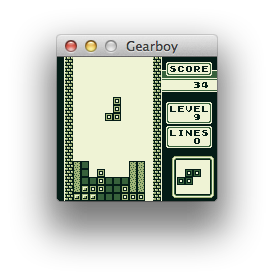
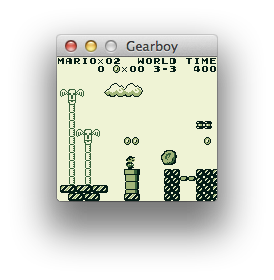
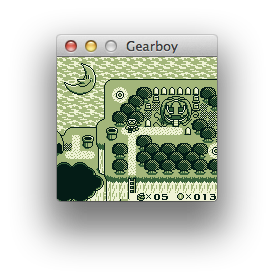
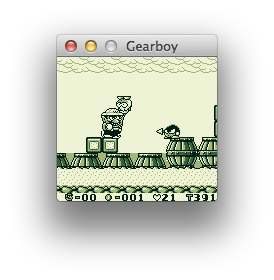
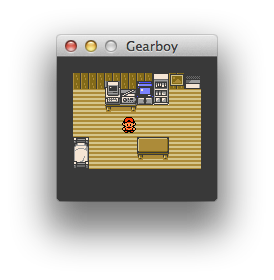
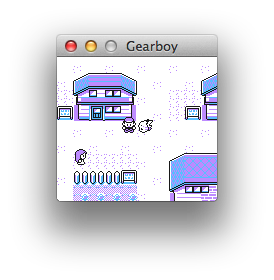
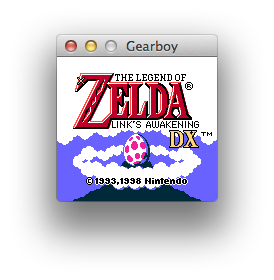
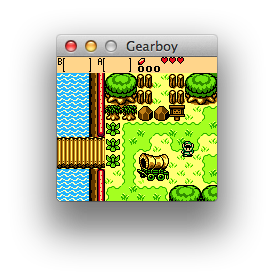
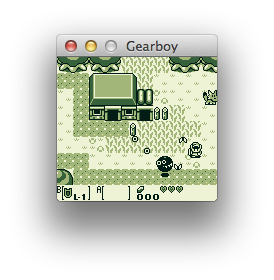
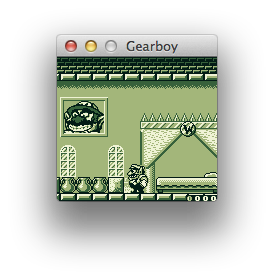
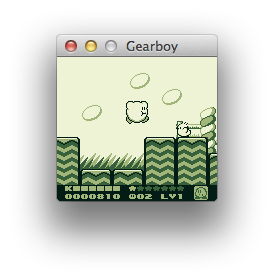
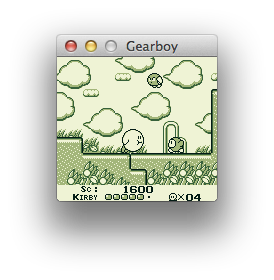
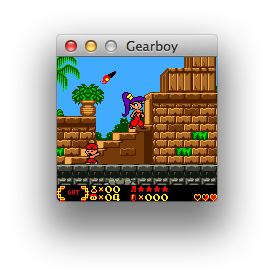
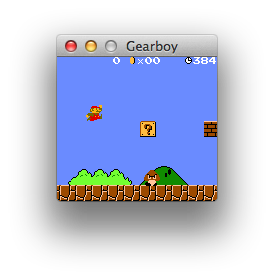
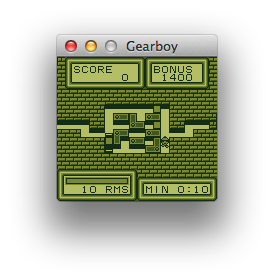
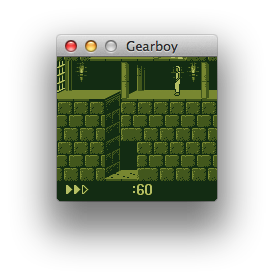
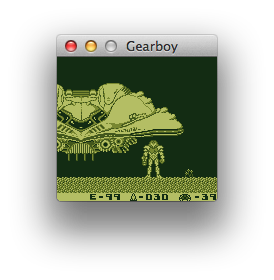
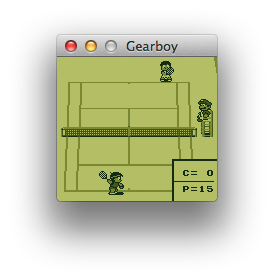
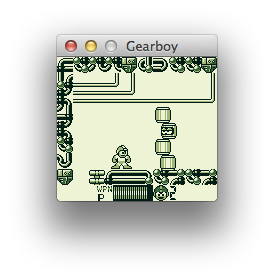
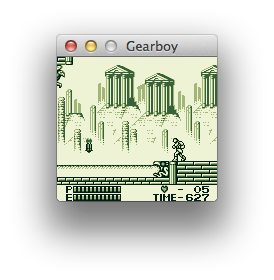
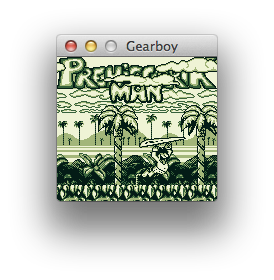
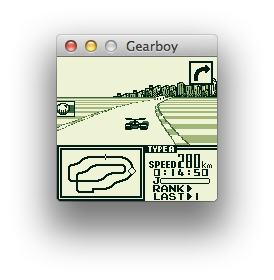
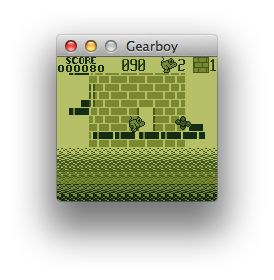
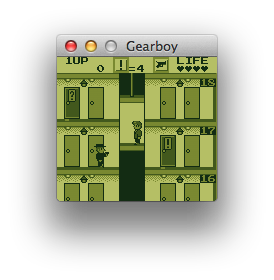
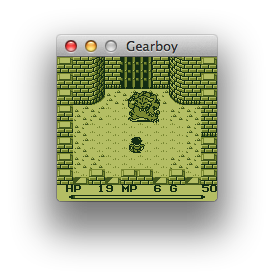
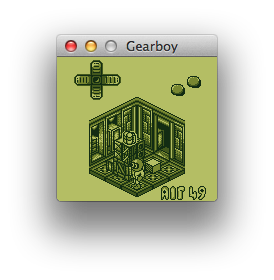
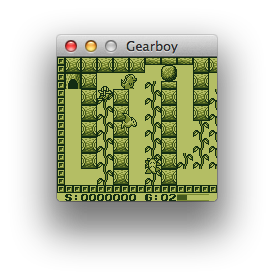
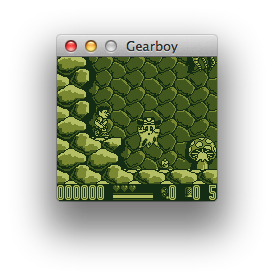
Contributors
Thank you to all the people who have already contributed to Gearboy!
License
Gearboy is licensed under the GNU General Public License v3.0 License, see LICENSE for more information.
README fetched from the repository 10 hours ago. The original is authoritative.