About Homebrew Age MCP Server
Homebrew Age MCP Server is an MCP server published by rioriost in the Developer Tools category: apache AGE MCP Server.
The repository has 4 stars and 5 forks, with the last commit 3 days ago. Recent commit activity is the strongest signal that reported issues will get attention.
Install
git clone https://github.com/rioriost/age_mcp_serverThis server has no ConduID identity, so agent calls to it are not receipted. Pin the version you install and review the source before granting it credentials.
Tools (3)
get-age-schemaInspect counts, directions, and sampled property types
Parameters not published.
list-age-graphsList Apache AGE graphs
Parameters not published.
read-age-cypherRun a validated, parameterized, paginated read-only Cypher query
Parameters not published.
Ask AI
Ask AI about Homebrew Age MCP Server
Powered by Claude · Grounded in docs
Security checks
- ✓README presentThe repository ships documentation.
- ✓License declaredUsable under a stated license.
- !Scoped permissionsDoesn't declare a permission scope. Assume it can do anything its process can.
3 checks have not been run yet.
Releases
README
AGE-MCP-Server


Apache AGE MCP Server
Apache AGE™ is a PostgreSQL Graph database compatible with PostgreSQL's distributed assets and leverages graph data structures to analyze and use relationships and patterns in data.
Azure Database for PostgreSQL is a managed database service that is based on the open-source Postgres database engine.
Introducing support for Graph data in Azure Database for PostgreSQL (Preview).
Table of Contents
- Prerequisites
- Install
- Usage with Claude
- Usage with Visual Studio Code Insiders
- Write Operations
- For More Information
- License
Prerequisites
- Python 3.13 and above
- This module runs on psycopg
- Enable the Apache AGE extension in your Azure Database for PostgreSQL instance. Login Azure Portal, go to 'server parameters' blade, and check 'AGE" on within 'azure.extensions' and 'shared_preload_libraries' parameters. See, above blog post for more information.
- Load the AGE extension in your PostgreSQL database.
CREATE EXTENSION IF NOT EXISTS age CASCADE;
- Claude Download from Claude Desktop Client or,
brew install claude
- Visual Studio Code Insiders Download from Visual Studio Code or,
brew intall visual-studio-code
Install
- with brew
brew intall rioriost/tap/age_mcp_server

- with uv

```bash
uv init your_project
cd your_project
uv venv
source .venv/bin/activate
uv add age_mcp_server
- with python venv on macOS / Linux
mkdir your_project
cd your_project
python3 -m venv .venv
source .venv/bin/activate
python3 -m pip install age_mcp_server
- with python venv on Windows
mkdir your_project
cd your_project
python -m venv venv
.\venv\Scripts\activate
python -m pip install age_mcp_server
Usage with Claude
-
on macOS
claude_desktop_config.jsonis located in~/Library/Application Support/Claude/. -
on Windows You need to create a new
claude_desktop_config.jsonunder%APPDATA%\Claude. -
Homebrew on macOS
Homebrew installs age_mcp_server into $PATH.
{
  "mcpServers": {
    "age_manager": {
      "command": "age_mcp_server",
      "args": [
        "--pg-con-str",
        "host=your_server.postgres.database.azure.com port=5432 dbname=postgres user=your_username password=your_password",
      ]
    }
  }
}
- uv / Pyhon venv
On macOS:
{
  "mcpServers": {
    "age_manager": {
      "command": "/Users/your_username/.local/bin/uv",
      "args": [
        "--directory",
        "/path/to/your_project",
        "run",
        "age_mcp_server",
        "--pg-con-str",
        "host=your_server.postgres.database.azure.com port=5432 dbname=postgres user=your_username password=your_password",
      ]
    }
  }
}
On Windows:
{
  "mcpServers": {
    "age_manager": {
      "command": "C:\\Users\\USER\\.local\\bin\\uv.exe",
      "args": [
        "--directory",
        "C:\\path\\to\\your_project",
        "run",
        "age_mcp_server",
        "--pg-con-str",
        "host=your_server.postgres.database.azure.com port=5432 dbname=postgres user=your_username password=your_password",
      ]
    }
  }
}
If you need to hide the password or to use Entra ID, you can set --pg-con-str as follows.
{
  "mcpServers": {
    "age_manager": {
        ...
        "--pg-con-str",
        "host=your_server.postgres.database.azure.com port=5432 dbname=postgres user=your_username",
        ...
      ]
    }
  }
}
And, you need to set PGPASSWORD env variable, or to install Azure CLI and sign into Azure with your Azure account.
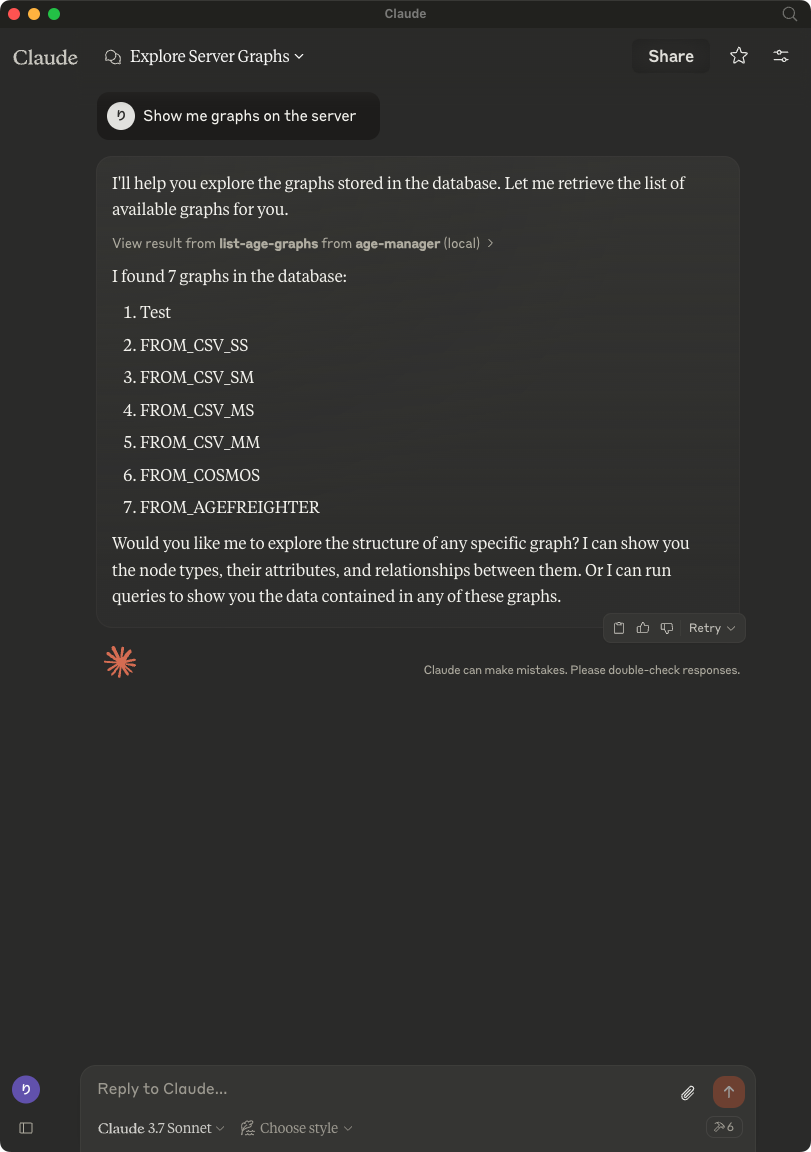
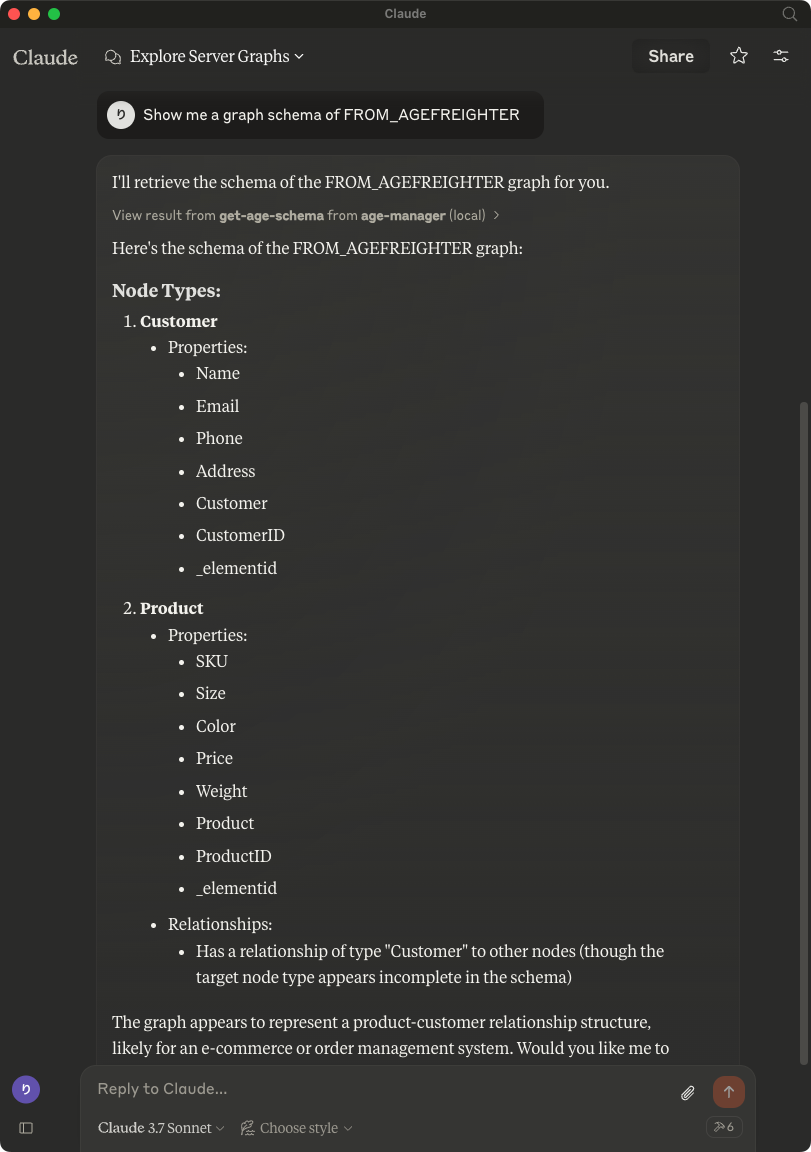
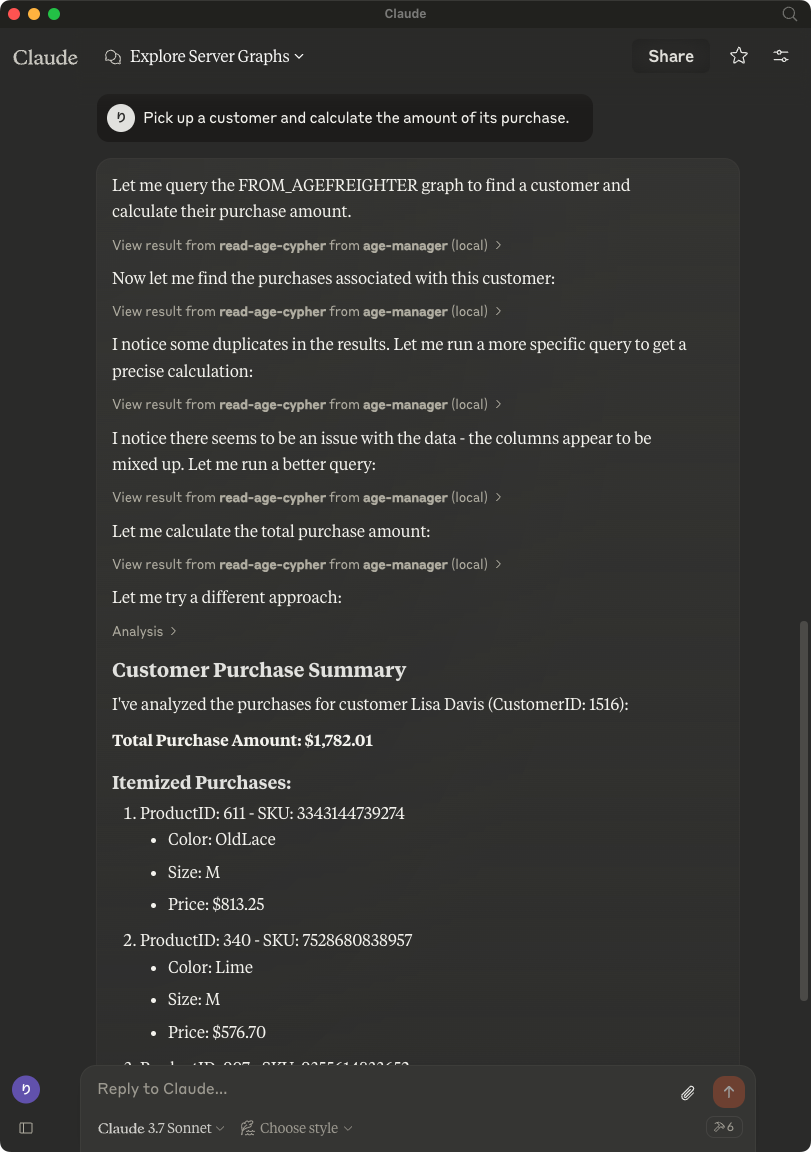
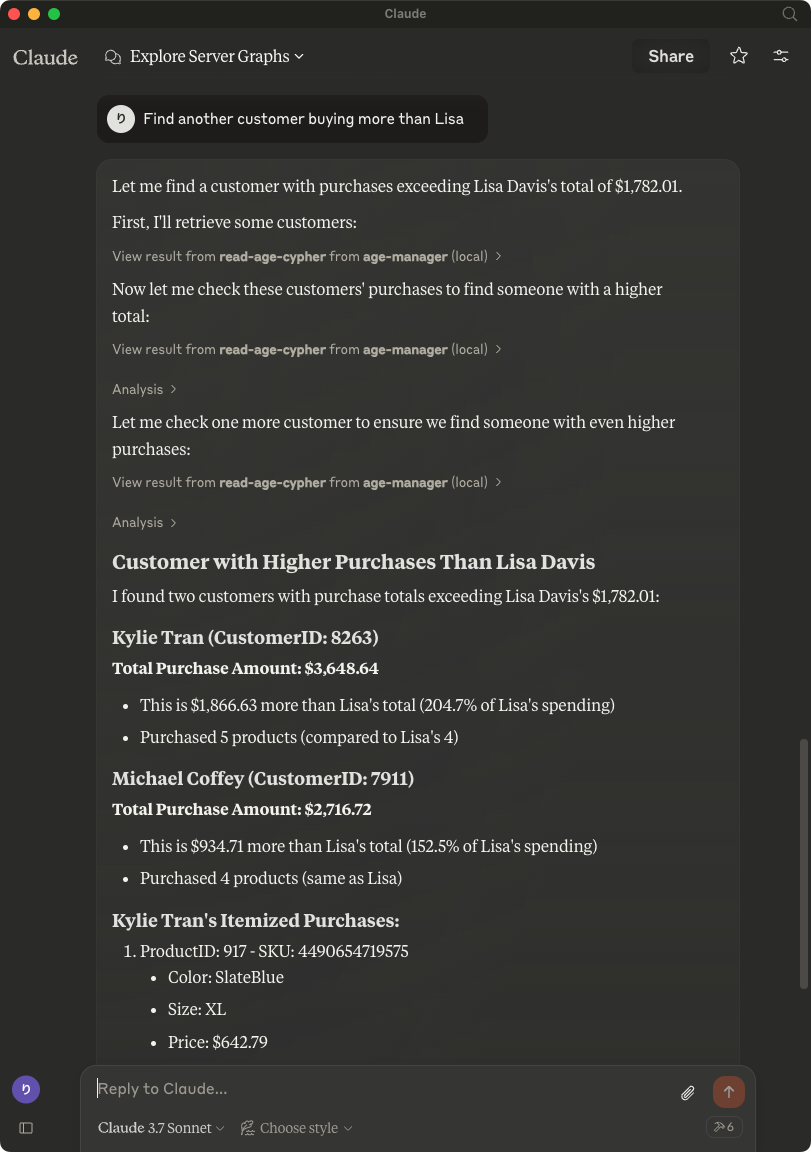
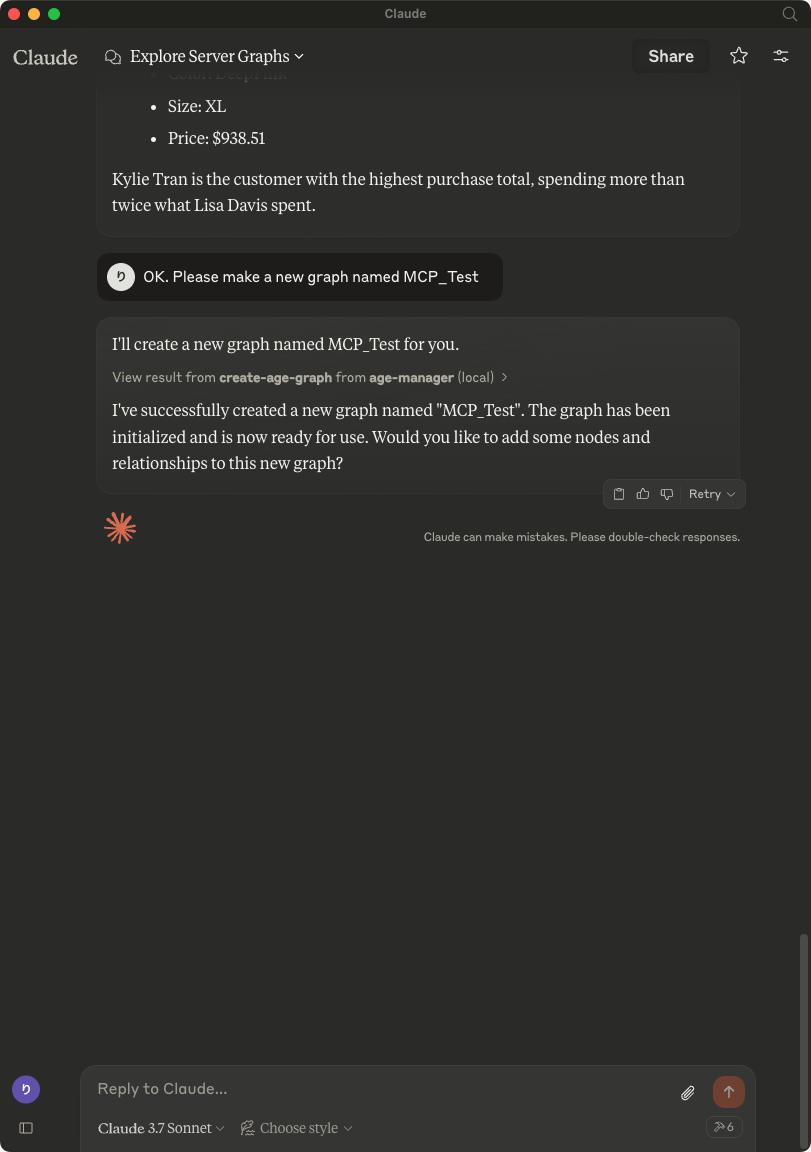
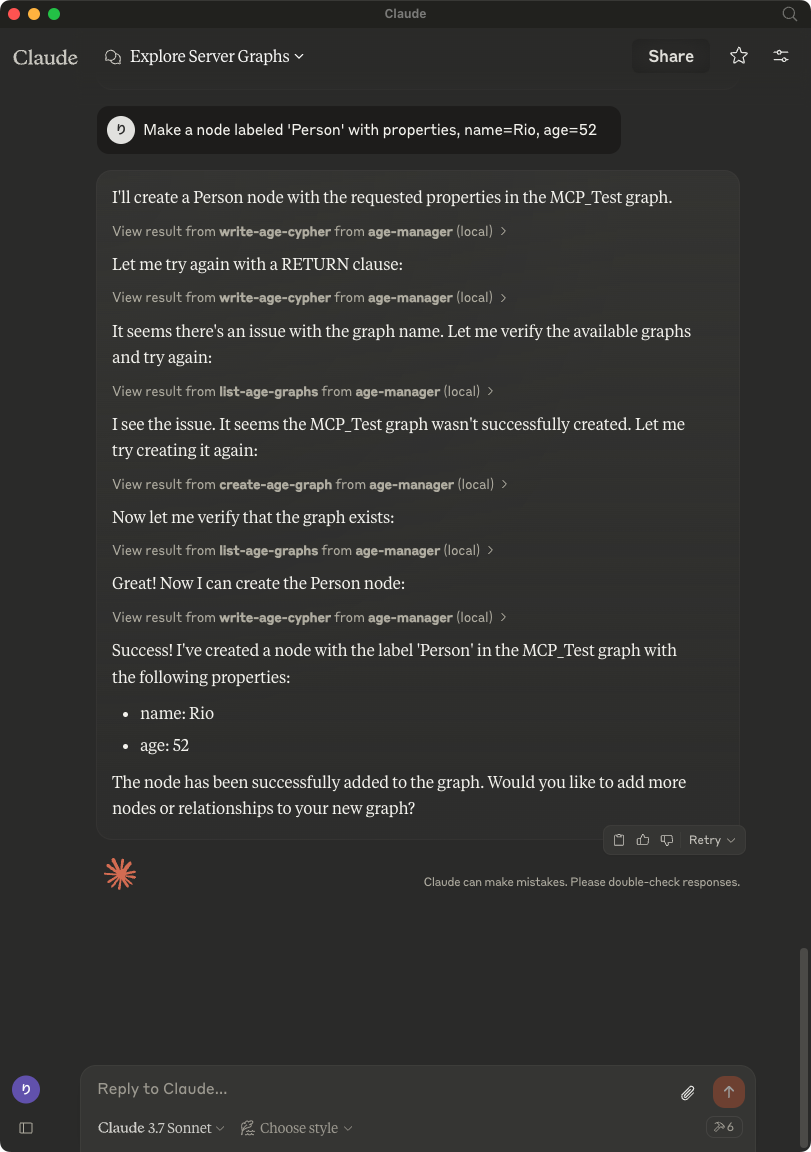
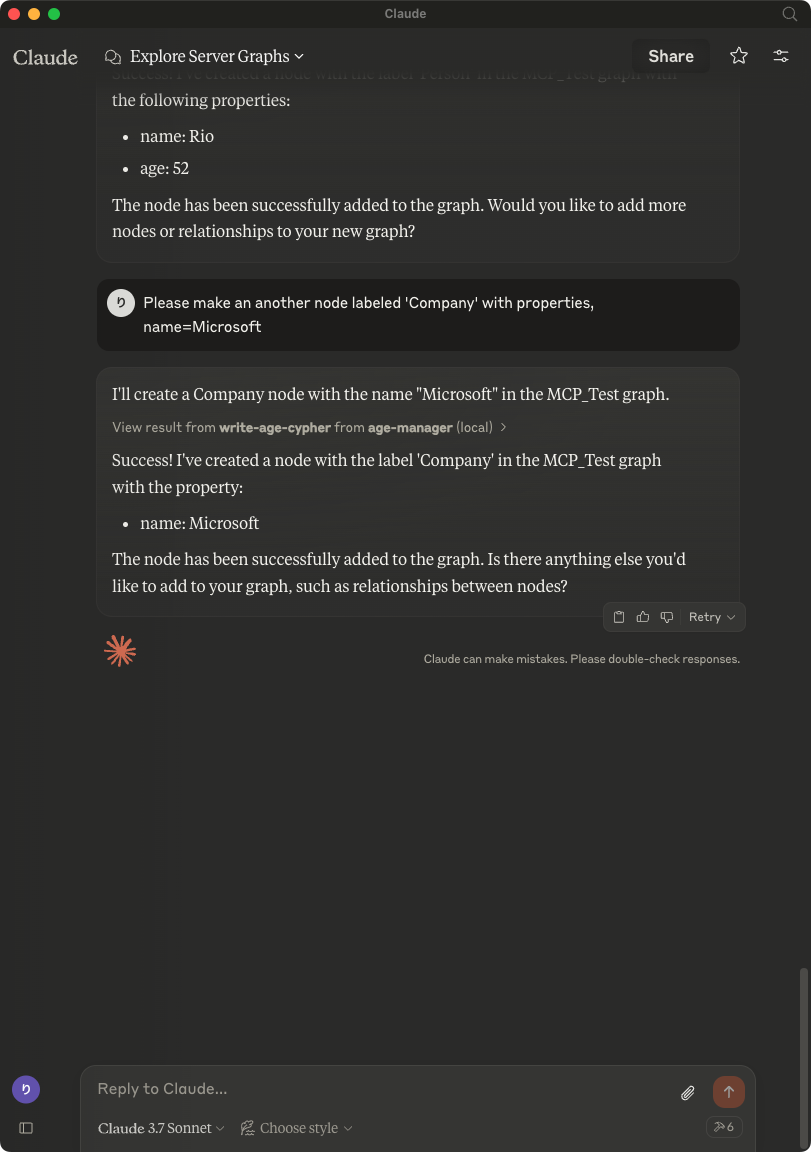
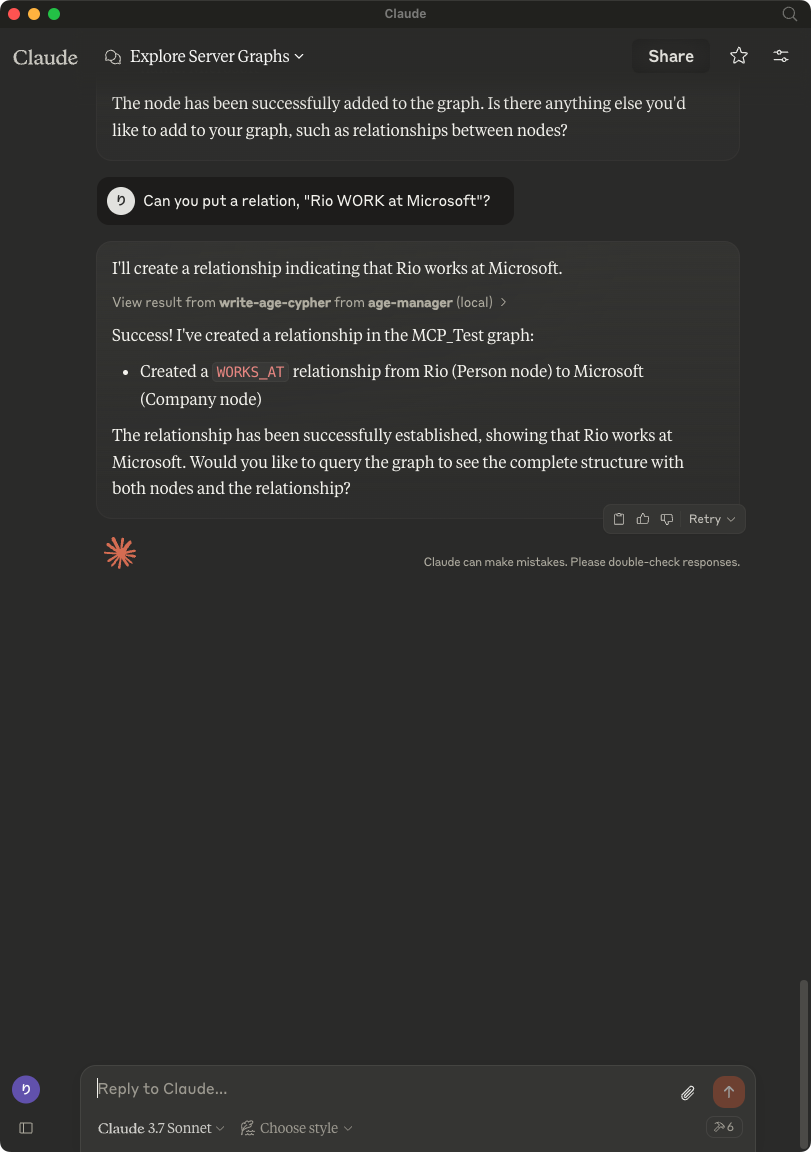
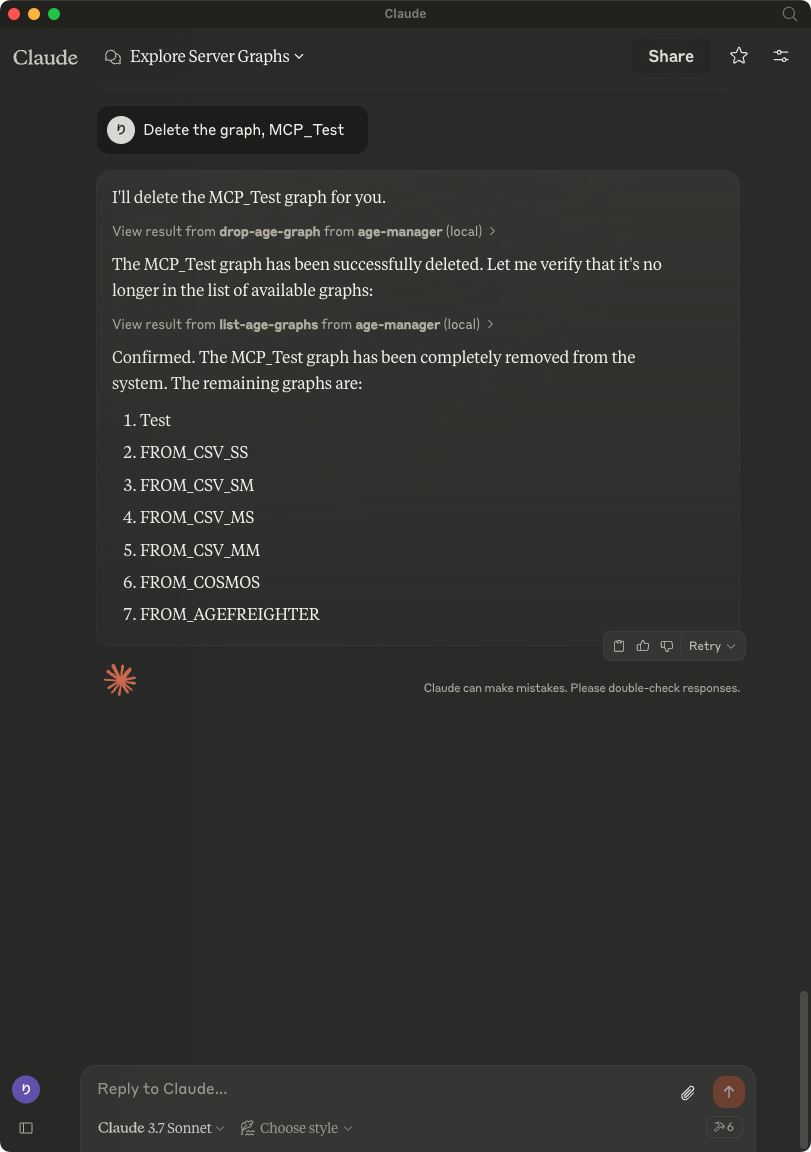
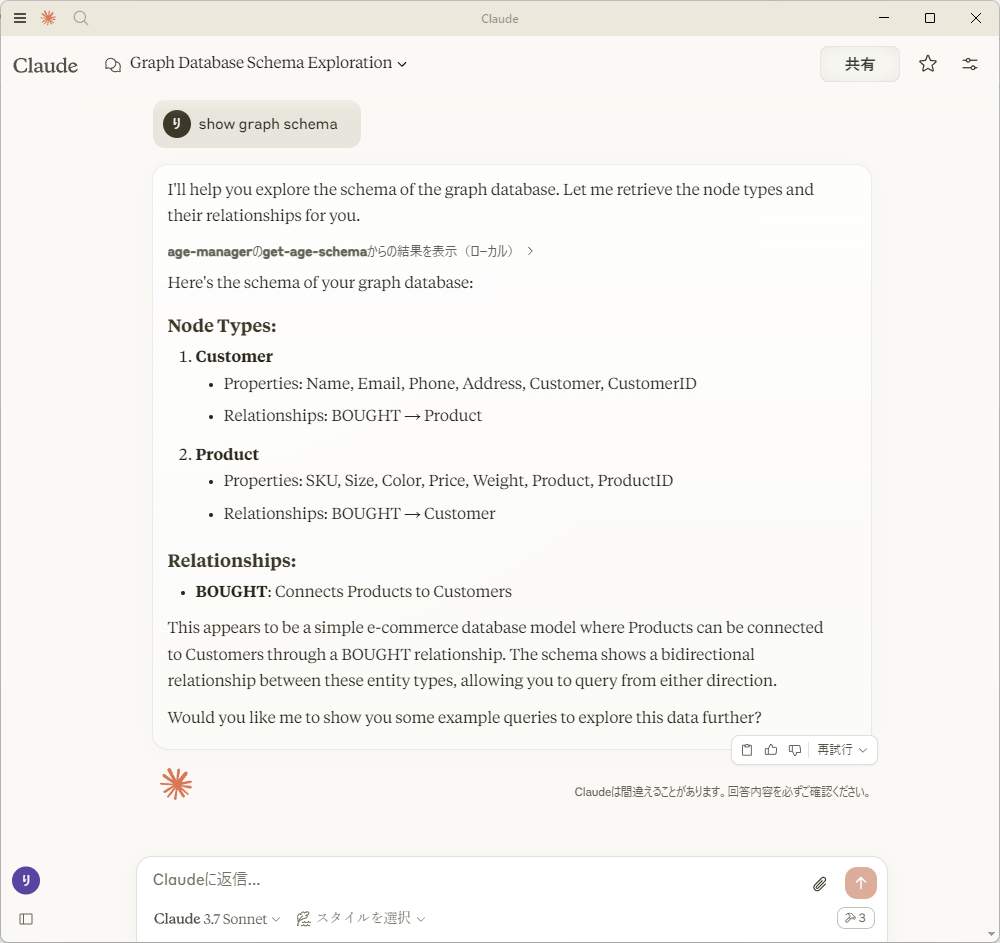
After saving claude_desktop_config.json, start Claude Desktop Client.
Usage with Visual Studio Code
After installing, [Preferences]->[Settings] and input mcp to [Search settings].

Edit the settings.json as followings:
{
    "mcp": {
        "inputs": [],
        "servers": {
            "age_manager": {
            "command": "/Users/your_user_name/.local/bin/uv",
            "args": [
                "--directory",
                "/path/to/your_project",
                "run",
                "age_mcp_server",
                "--pg-con-str",
                "host=your_server.postgres.database.azure.com port=5432 dbname=postgres user=your_username password=your_password",
                "--debug"
            ]
            }
        }
    }
}
And then, you'll see start to start the AGE MCP Server.
Switch the Chat window to agent mode.

Now, you can play with your graph data via Visual Studio Code!

Write Operations
AGE-MCP-Server prohibits write operations by default for safety. If you want to enable write operations, you can use the --allow-write flag.
{
  "mcpServers": {
    "age_manager": {
      "command": "age_mcp_server",
      "args": [
        "--pg-con-str",
        "host=your_server.postgres.database.azure.com port=5432 dbname=postgres user=your_username password=your_password",
        "--allow-write"
      ]
    }
  }
}
For More Information
- Apache AGE : https://age.apache.org/
- GitHub : https://github.com/apache/age
- Document : https://age.apache.org/age-manual/master/index.html
License
MIT License
README copy captured when this server was indexed; it may lag the repository. The original is authoritative.