About io.github.finfin/mermaid-mcp-app
io.github.finfin/mermaid-mcp-app is an MCP server in the Cloud category: mCP App that renders Mermaid diagrams as interactive UI in Claude, VS Code and other MCP clients.
Install
claude mcp add io-github-finfin-mermaid-mcp-app -- npx -y mermaid-mcp-appnpx -y mermaid-mcp-appThis server has no ConduID identity, so agent calls to it are not receipted. Pin the version you install and review the source before granting it credentials.
Ask AI
Ask AI about io.github.finfin/mermaid-mcp-app
Powered by Claude · Grounded in docs
Security checks
- ✓README presentThe repository ships documentation.
5 checks have not been run yet.
README
Mermaid MCP App
English | 繁體中文
An MCP App that renders Mermaid diagrams in an interactive viewer with pan, zoom, and a built-in source editor. Edit diagrams directly in the split-view editor and send the updated source back to the LLM to continue the conversation with your changes. Works in Claude Desktop, VS Code, and any MCP-App-compatible host.
Usage
Once configured, ask the LLM to draw a diagram:
"Draw a flowchart showing user authentication flow"

"Create a sequence diagram for an API request lifecycle"

"Render this mermaid diagram: `graph TD; A-->B; B-->C`"
You can also specify a theme explicitly:
"Draw a class diagram with light theme"
Features
Interaction with AI
Edit the diagram source directly in the split-view editor, then send it back to the LLM to continue the conversation with your changes.
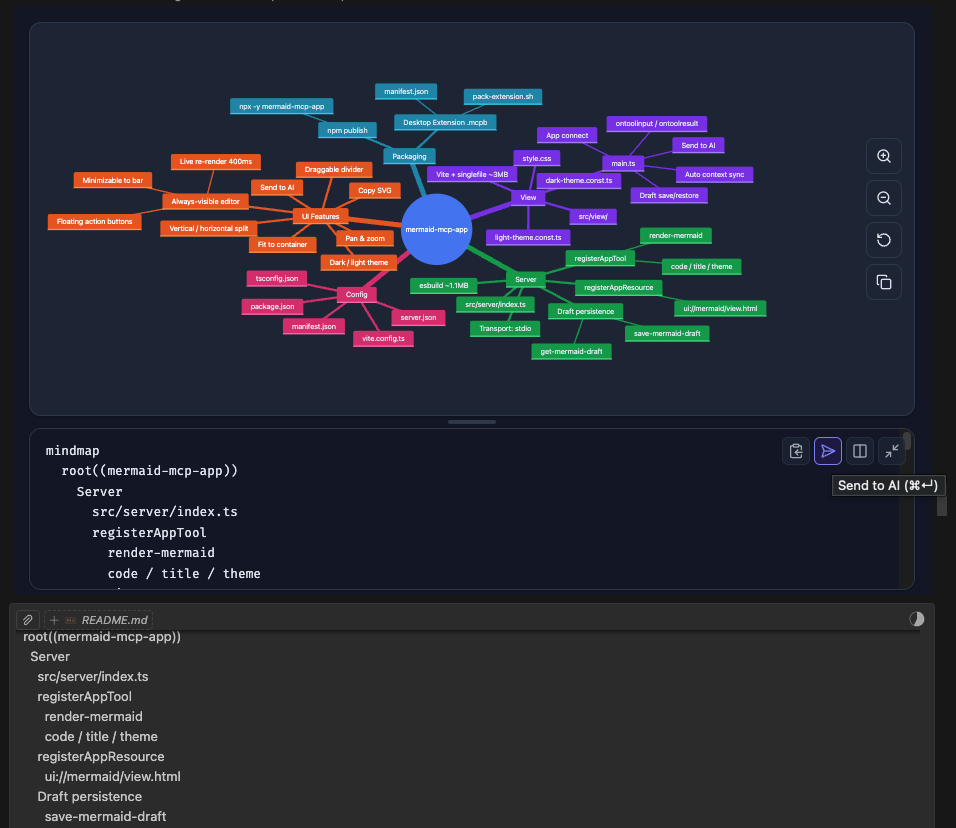
- Send to AI — sends the edited diagram source back to the LLM, triggering a response
- Auto context sync — LLM context is automatically updated as you type (debounced); the LLM always sees your latest source on the next message
Diagram Types (13 supported)
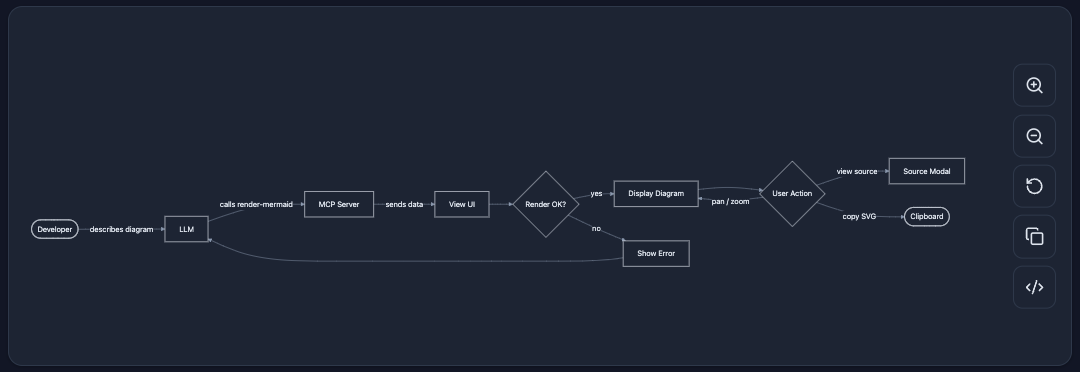
Flowchart
flowchart — General-purpose directed graphs. Supports top-down and left-right layouts, subgraphs, and various node shapes.
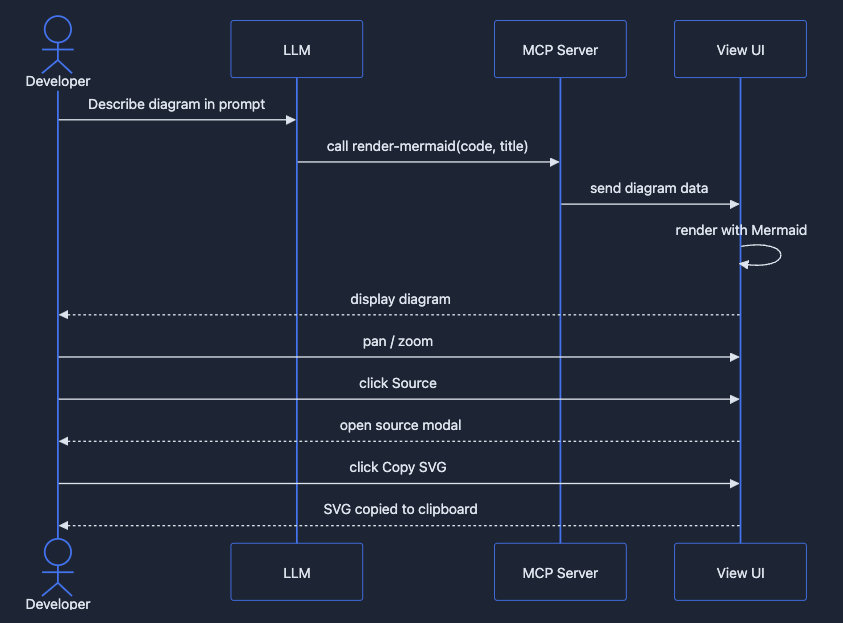
Sequence Diagram
sequenceDiagram — Interaction between participants over time. Shows messages, loops, and alternative flows.
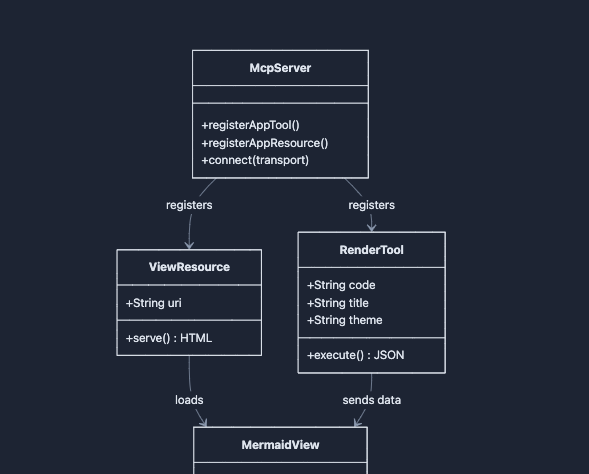
Class Diagram
classDiagram — Object-oriented class structure with attributes, methods, and relationships (inheritance, composition, etc.).
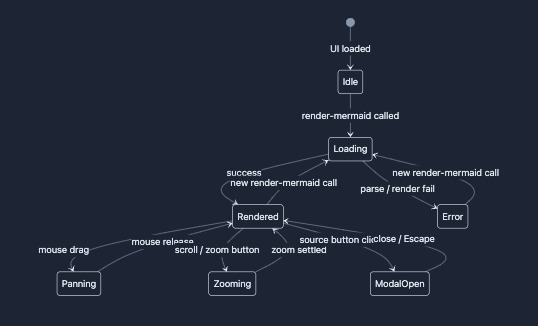
State Diagram
stateDiagram-v2 — Finite state machines with transitions, composite states, and concurrency.
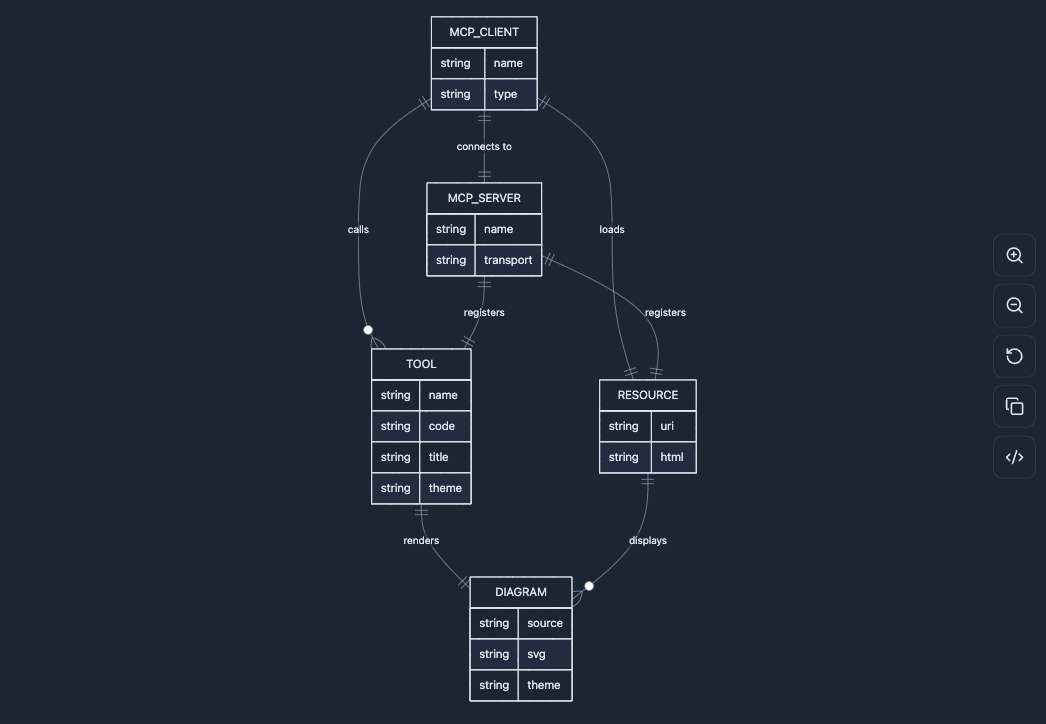
ER Diagram
erDiagram — Entity-relationship diagrams for data modeling with cardinality annotations.
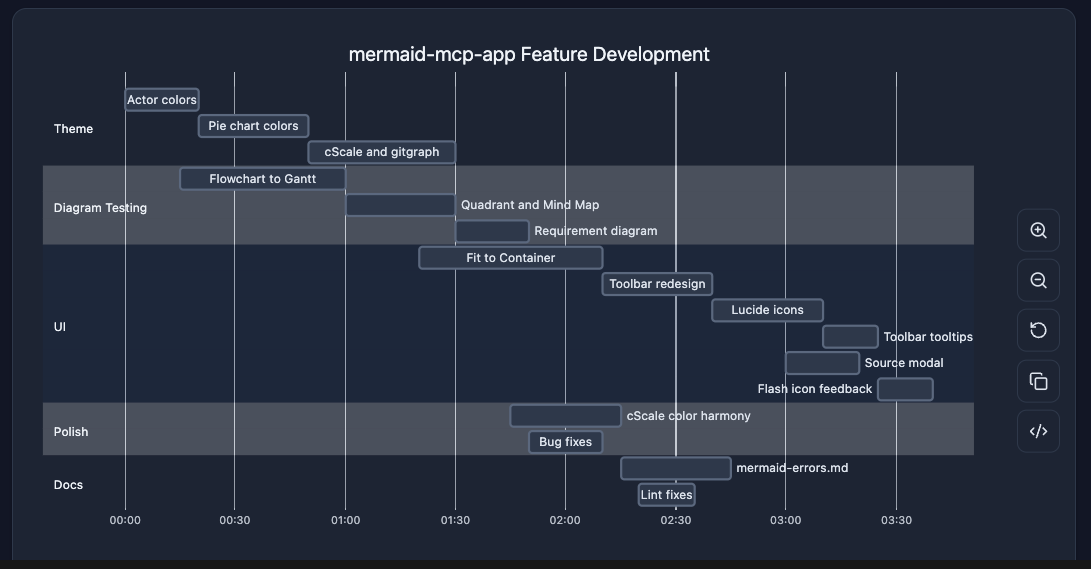
Gantt Chart
gantt — Project timelines with tasks, milestones, dependencies, and critical paths.
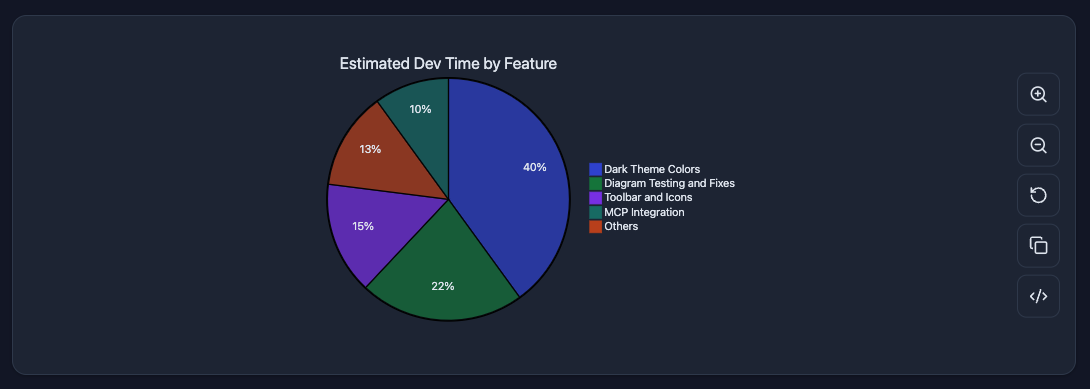
Pie Chart
pie — Proportional data as pie slices with percentage labels.
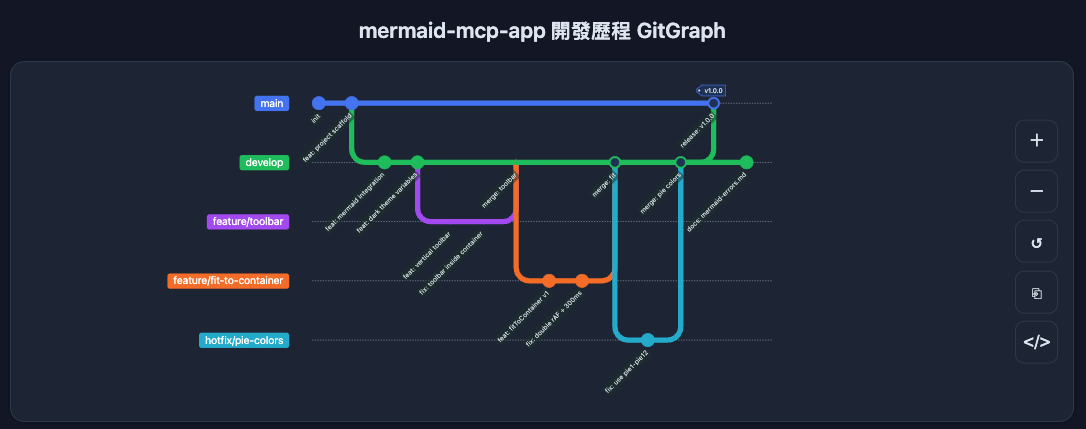
Git Graph
gitGraph — Git branch and commit history visualization with merge and cherry-pick flows.
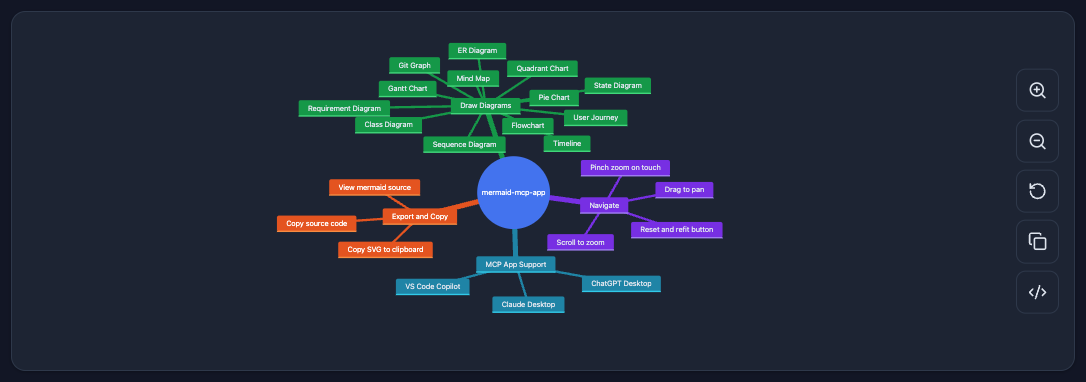
Mindmap
mindmap — Hierarchical tree of ideas radiating from a central root node.
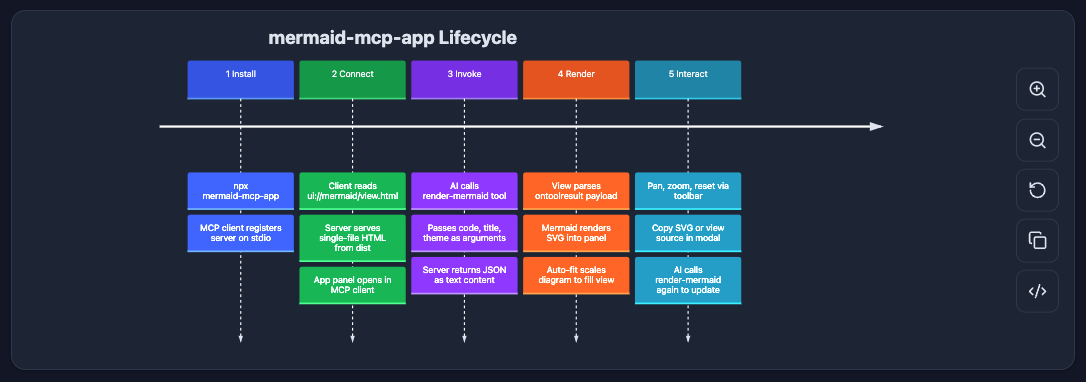
Timeline
timeline — Chronological events grouped by time period.
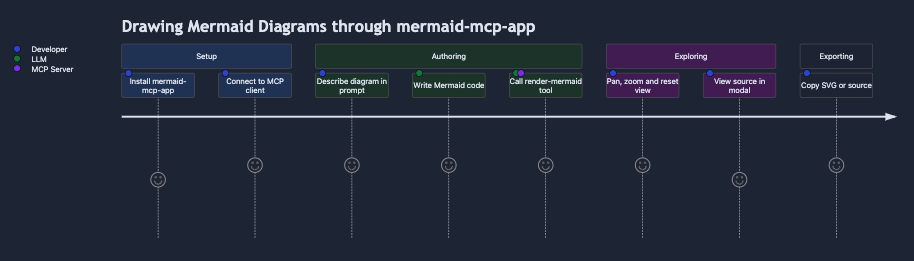
User Journey
journey — User experience flows scored by satisfaction level across sections and actors.
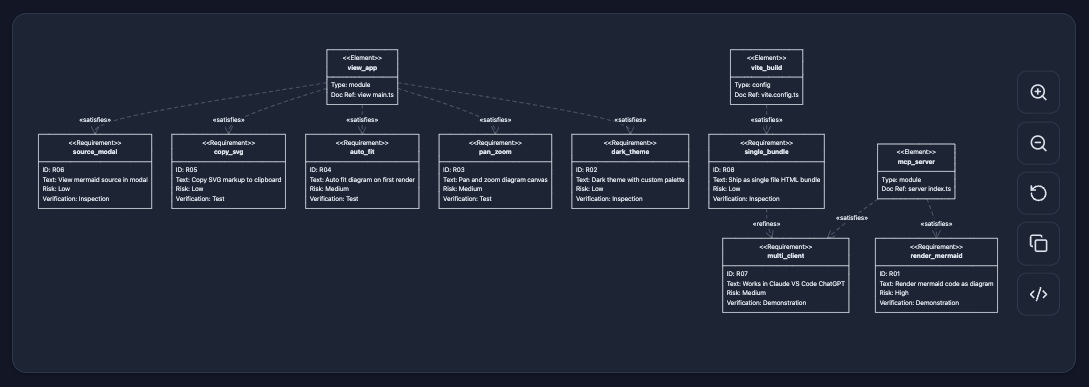
Requirement Diagram
requirementDiagram — System requirements with type, risk, and verification method, linked to design elements.
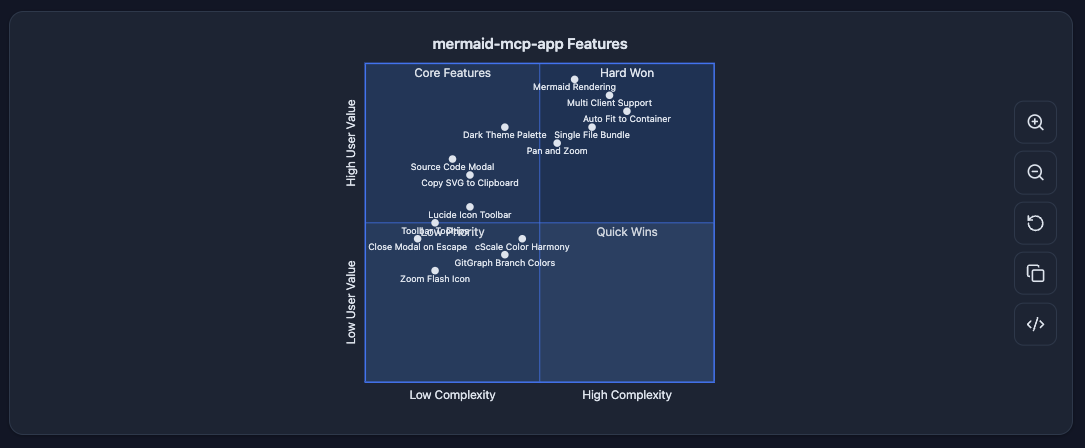
Quadrant Chart
quadrantChart — Four-quadrant scatter plot for prioritization and positioning analysis.
UI
- Pan & zoom — mouse drag to pan, scroll wheel to zoom, pinch-to-zoom on touch
- Fit to container — auto-fits diagram on render; reset button restores fit
- Copy SVG — copies the rendered SVG to clipboard
- Split-view source editor — always-visible editor panel with live re-render (400ms debounce)
- Minimizable editor — collapse to a compact bottom bar; expand with one click
- Vertical / horizontal layout toggle — source below (vertical) or to the right (horizontal); minimized state always snaps to the bottom
- Theme support —
dark(auto-detected from system preference) andlight
Installation
Claude Desktop — Extension (recommended)
Download the latest .mcpb from GitHub Releases and double-click to install. No terminal or configuration needed.
Claude Desktop — Manual
Add to ~/Library/Application Support/Claude/claude_desktop_config.json:
{
  "mcpServers": {
    "mermaid": {
      "command": "npx",
      "args": ["-y", "mermaid-mcp-app", "--stdio"]
    }
  }
}
VS Code
Add to .vscode/mcp.json or user settings:
{
  "mcpServers": {
    "mermaid": {
      "command": "npx",
      "args": ["-y", "mermaid-mcp-app", "--stdio"]
    }
  }
}
Development
# Install dependencies
npm install

# Build (view + server)
npm run build

# Watch mode (view only)
npm run dev

# Start server
npm start
README copy captured when this server was indexed; it may lag the repository. The original is authoritative.