About Kit
Kit is an MCP server published by muppet-dev in the Developer Tools category: debugging and Testing tool for MCP servers.
The repository has 58 stars and 8 forks, with the last commit a year ago. Six months or more without a commit doesn't mean the server is broken, but check the open issues before depending on it in production.
Install
git clone https://github.com/muppet-dev/kitThis server has no ConduID identity, so agent calls to it are not receipted. Pin the version you install and review the source before granting it credentials.
Ask AI
Ask AI about Kit
Powered by Claude · Grounded in docs
Security checks
Static checks derived from the repository 2 hours ago. Heuristics on the source, not an audit.
- ✓README presentThe repository ships documentation.
- ✓License declaredUsable under a stated license.
- !Tests presentNo tests found. Behaviour changes may go unnoticed between versions.
- ✓Dependencies pinnedA lockfile pins dependency versions.
- !No dynamic code executionSource scan found eval or shell execution. Review how tool inputs reach it before granting credentials.
1 check has not been run yet.
README
Muppet Kit
It is a collection of tools for testing and debugging MCPs.
Inspector
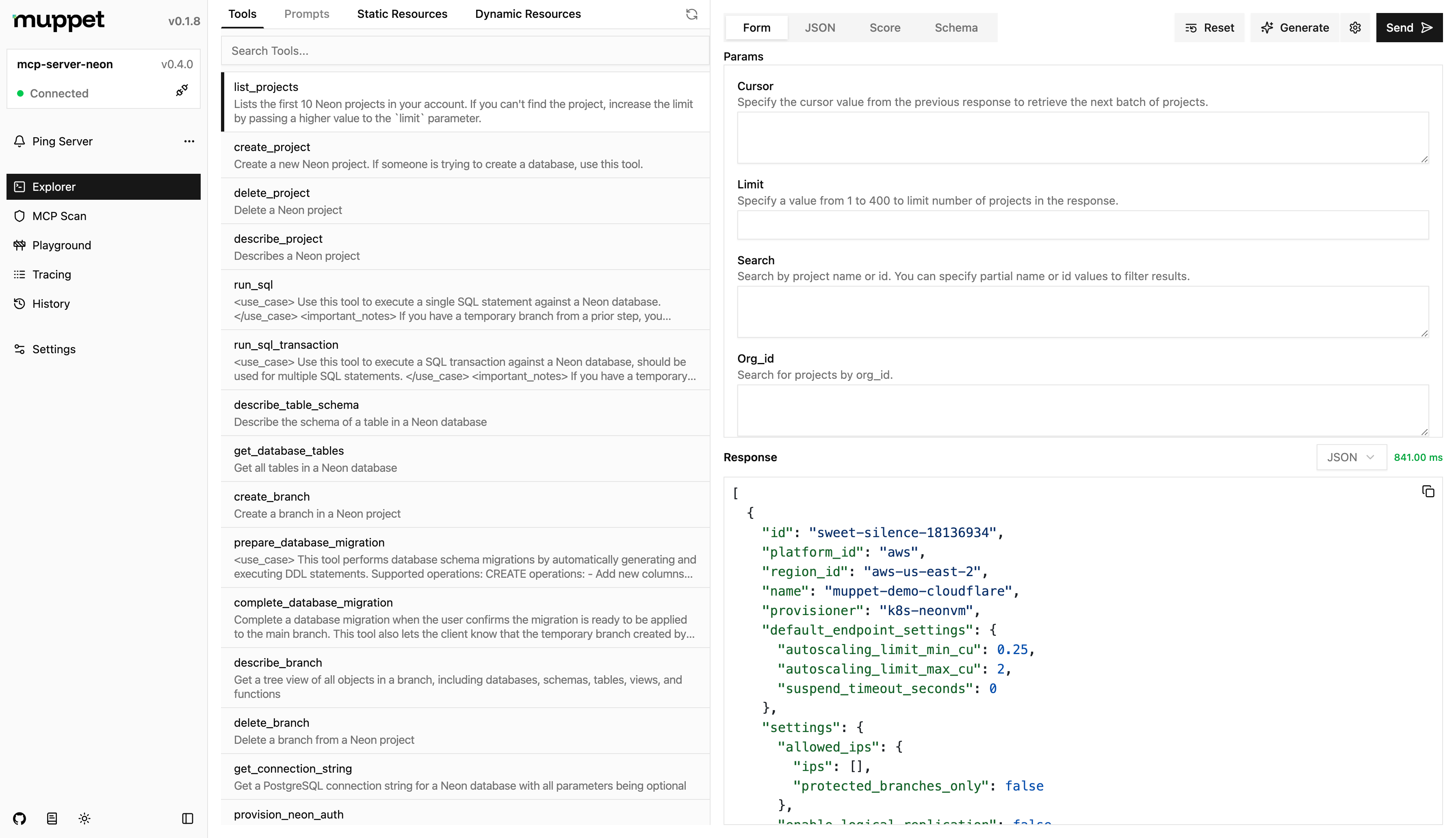
It is a devtool for testing and debugging MCPs servers.
Usage
npx muppet-kit inspector
Features
- Explorer - Explore the MCP server's capabilities, while leveraging AI to assist you.
- Playground - Test the MCP server with different LLMs and configurations.
- MCP Scan - Scan the MCP server for vulnerabilities and security issues.
- Tracing - Trace the requests and responses between the client and server. Tunneling is also supported for connecting to remote clients.
- History - View the history of requests and responses between the client and server for the current session.
Configuration
You can configure the inspector by creating a muppet.config.js/muppet.config.ts file in the root of your project. The configuration file should export an object with the following properties:
import { defineInspectorConfig } from "muppet-kit";
import { ngrok } from "muppet-kit/tunnel";
import { openai } from "@ai-sdk/openai";

export default defineInspectorConfig({
  // ...
  models: [openai("gpt-4.1-nano")],
  // You can either pass the API key here or have it in .env as NGROK_API_KEY
  tunneling: ngrok(),
});
Credits
The idea for this project was inspired by the official MCP Inspector and their amazing work.
README fetched from the repository 2 hours ago. The original is authoritative.